Create
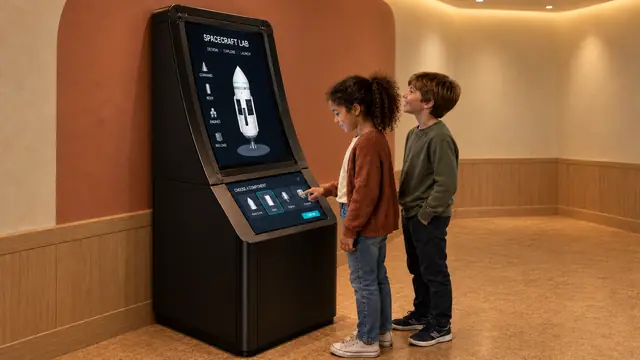
Design Your Spaceship
An interactive rocket design exhibit that turns choices into a visible flight.
Discover
An interactive Mars colony exhibit built around a changing settlement.
Discuss this exhibit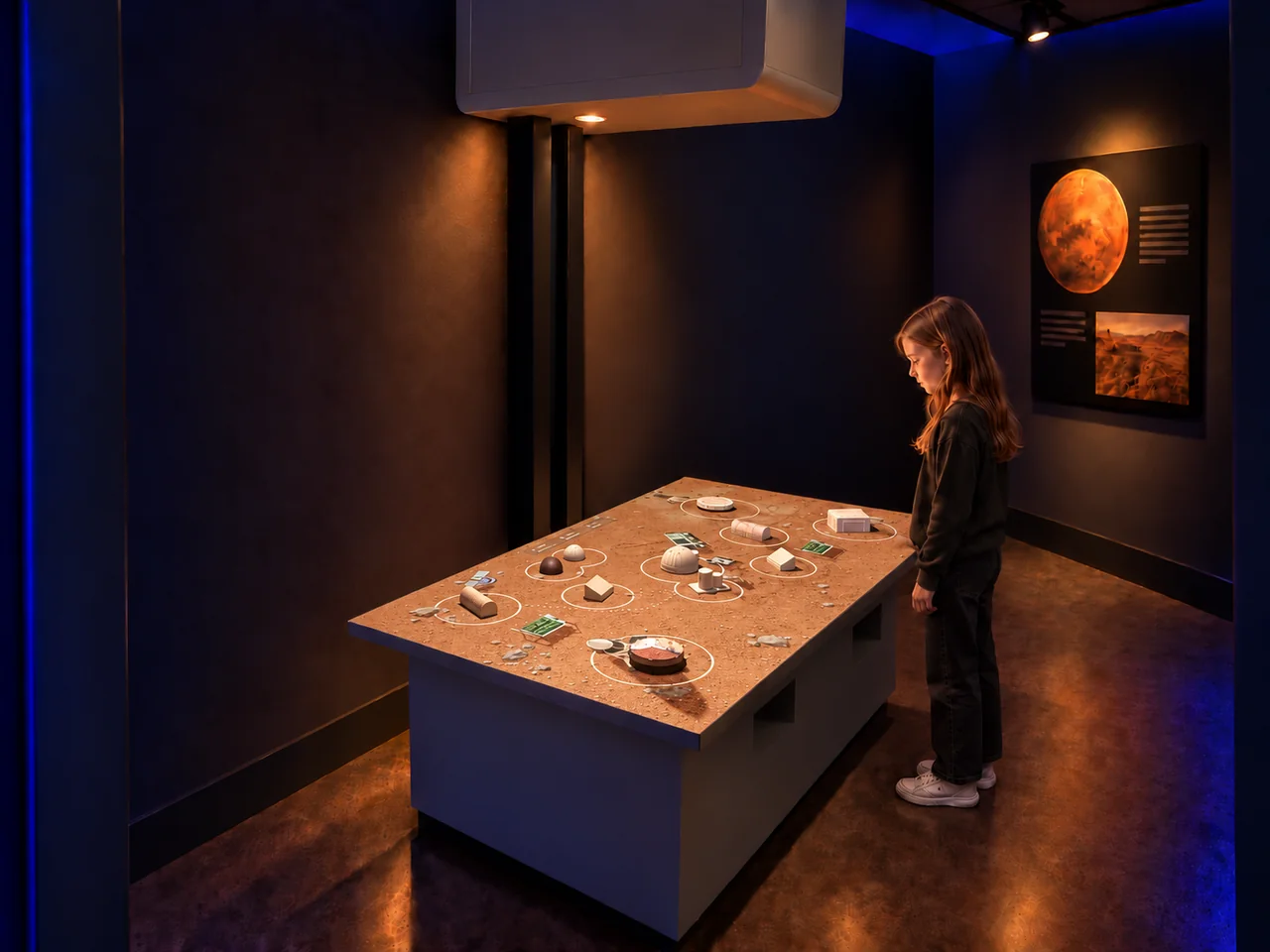
Overview
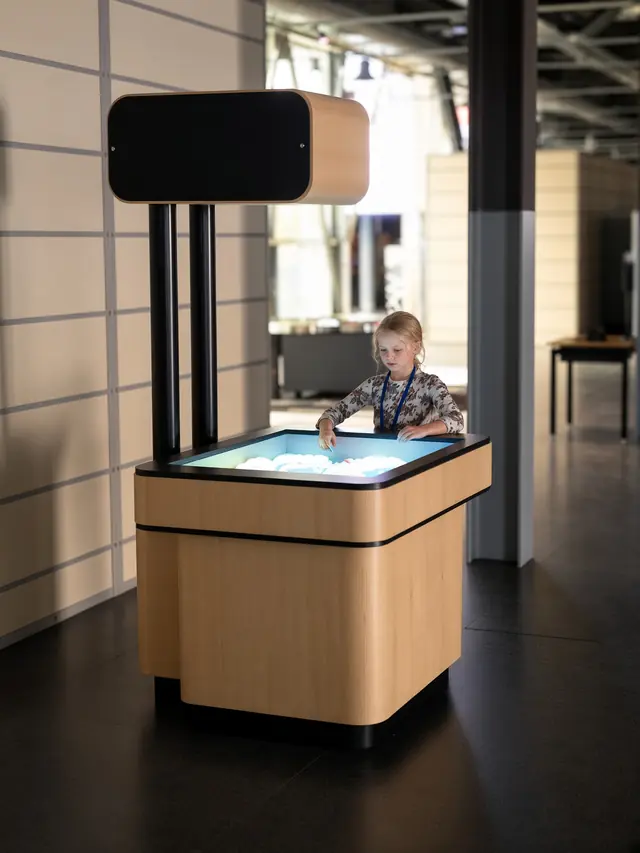
What would a settlement on Mars need to keep working? AR Mars Colony brings that question to a shared terrain table. Visitors arrange physical habitat and infrastructure models on a Martian landscape and watch digital activity respond around them.
The combination of objects, terrain and moving vehicles makes the colony something visitors can examine and change. It gives space galleries a hands-on starting point for conversations about homes, resources and connections in an unfamiliar environment.
AR Mars Colony · YouTube
Watch the exhibit in action.
YouTube loads only when you press play.YouTube ↗
Gallery
Visitors can explore how the parts of a settlement relate to one another: where people live, how supplies move, and why energy, water and food matter. Moving a model changes the layout in front of them, making it possible to discuss routes, space and the consequences of design decisions.
| Dimensions | 1800 × 1100 × 2250 mm |
|---|---|
| Power requirement | 1 kW |
| Display | 4,200-lumen laser projector |
| Simultaneous users | 4–6 |
| Standard software languages | English / Spanish / Arabic |
| Additional languages | Available on request |
| Customization | Dimensions, materials and appearance can be customized |
| Standard warranty | 1 year |
Specifications describe the configuration listed here. Contact us for the complete equipment schedule and installation drawing for your project.
A strong fit for science centers, space galleries and family discovery centers looking for a collaborative building activity. Children and adults can discuss a layout together while one visitor moves a model. Facilitated school visits can use the table as a starting point for questions about living beyond Earth.
The illustrated configuration pairs a terrain table and physical models with a separate Mars display. Table layout, model provision and the surrounding display arrangement should be specified together. Requests for different scenery, cabinetry or interface language need a separate project assessment.
Our AR Mars Colony experience brings together colony software, a terrain table and physical settlement models. We define the software selection and equipment package with you for the proposed installation. Your project proposal sets out the supplied components, installation and training scope, and any consumables or ongoing services. Every exhibit includes a one-year standard warranty.
Yes. The terrain-table experience combines movable models with digital activity on the surface.
The preview shows digital vehicles changing routes when a newly placed object blocks their path.
The imagery shows a themed setting. Room graphics, finishes and additional displays need to be identified separately in the project scope.
Plan for the table, its equipment and circulation around the activity. The final layout should be based on the selected table and the venue’s visitor routes.
Share your gallery plan and intended audience to discuss a Mars settlement exhibit for your venue.
Discuss this exhibit
Create
An interactive rocket design exhibit that turns choices into a visible flight.