Build
AR Sandbox: Augmented Reality Sandbox for Museums
An augmented reality sandbox that turns reshaped sand into a changing landscape.
Discuss this exhibit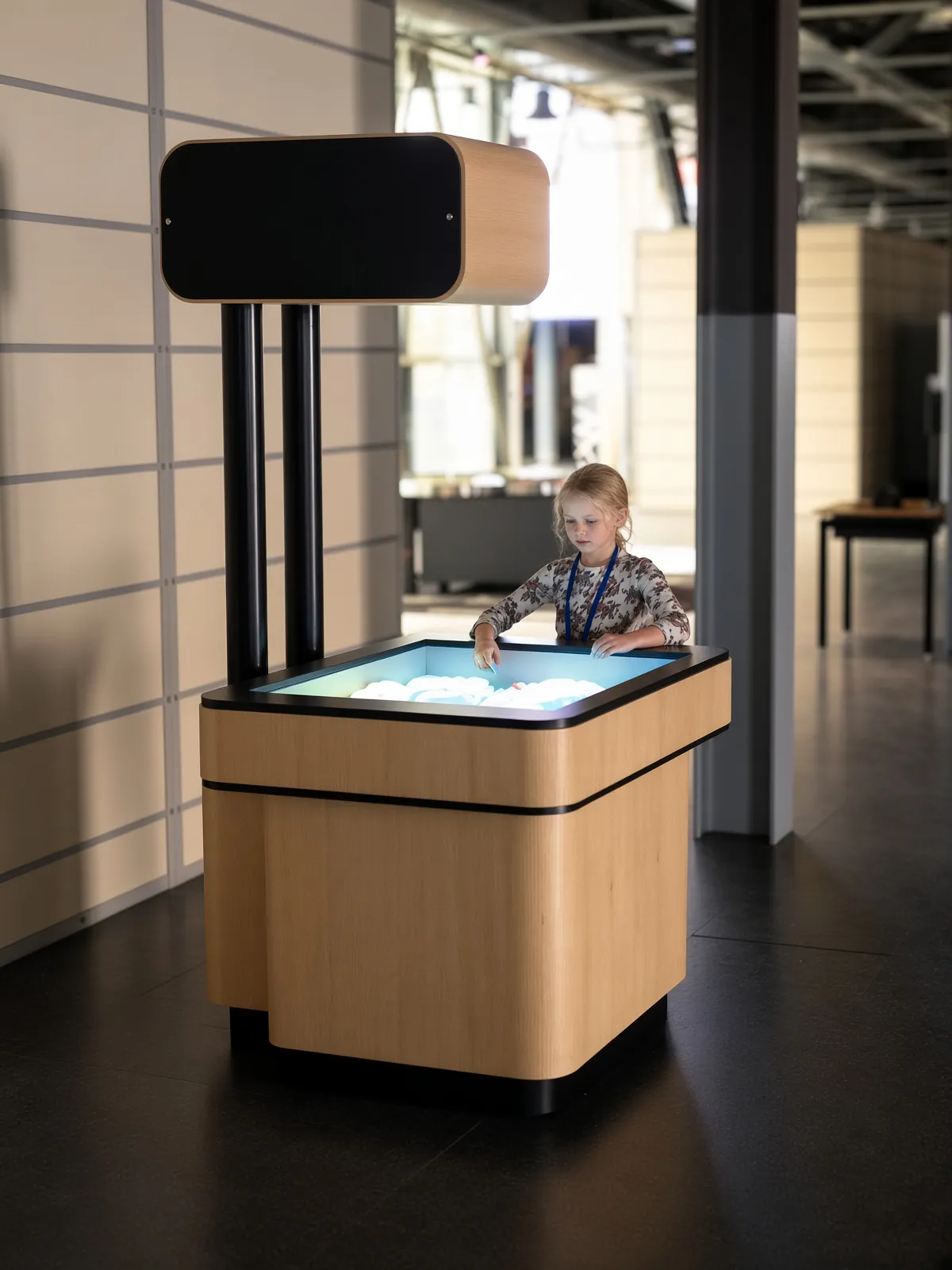
Overview
AR Sandbox combines real sand with a projected view of terrain. Visitors build hills, dig valleys and reshape the surface by hand. Colors, contour lines and virtual water then make the changing landscape visible in a different way.
The physical model remains in front of the visitor throughout the activity. It is a direct way to connect a three-dimensional landform with the visual language of a map, while leaving room for repeated experiments and shared construction.
AR Sandbox · YouTube
See the interaction.
Watch the exhibit in action.
YouTube loads only when you press play.YouTube ↗
Gallery
A closer look.
The Visitor Experience
- Push and gather the sand to build a hill or ridge.
- Dig a lower area or create a route between landforms.
- Watch the projected terrain colors and contours update.
- Observe the virtual water and change the landscape again.
What Visitors Discover
Visitors explore elevation, contour lines and the relationship between high and low ground. Building a ridge or opening a channel changes how the terrain is represented. The virtual water provides another way to notice the shape of the landscape and discuss where water collects or moves.
Explore the Content
- Terrain mapping: elevation colors and contour lines respond to the sand surface.
- Landscape building: visitors create hills, valleys, ridges and channels.
- Virtual water: the supplied demonstration includes water visualization across the shaped terrain.
Key Features
- Real sand as the visitor’s building material.
- A projected overlay aligned with the surface.
- Responsive topographic colors and contour lines.
- A shared table that makes landscape changes visible to a group.
Specifications
| Dimensions | 1800 × 1100 × 2250 mm |
|---|---|
| Power requirement | 1.5 kW |
| Display | 4,200-lumen projector |
| Recommended ages | 6 years and above |
| Standard software languages | English / Spanish / Arabic |
| Additional languages | Available on request |
| Customization | Dimensions, materials and appearance can be customized |
| Standard warranty | 1 year |
Specifications describe the configuration listed here. Contact us for the complete equipment schedule and installation drawing for your project.
Who It’s For and Where It Fits
Designed for visitors aged 6 and above, AR Sandbox fits earth-science galleries, children’s museums and family discovery centers. It supports open exploration or a focused challenge, such as building a valley or connecting two low areas. Families and school groups can compare the landscape from different sides of the table.
Exhibit Configurations and Customization
Our AR Sandbox combines a sand basin with overhead sensing and a 4,200-lumen projector. The standard dimensions are 1800 × 1100 × 2250 mm, with a power requirement of 1.5 kW. We customize dimensions, materials and appearance for your venue. English, Spanish and Arabic are standard software languages, with additional languages available on request.
Space and Installation Requirements
- Provide circulation and reaching space around the basin, with a stable arrangement for overhead equipment.
- Control direct sunlight and strong ambient light so the projected map remains readable.
- Plan power, cable management, calibration and maintenance access. Confirm mounting, network requirements, ventilation and the specified sand type and quantity.
What’s Included
Our AR Sandbox experience brings together terrain visualization software, a sand basin and overhead sensing and projection. We define the software selection and equipment package with you for the proposed installation. Your project proposal sets out the supplied components, installation and training scope, and any consumables or ongoing services. Every exhibit includes a one-year standard warranty.
Application Examples
- Earth-science galleries: connect landforms with contour maps.
- Children’s museums: offer a collaborative physical building activity.
- Science centers: support facilitated investigations of terrain and virtual water.
Frequently Asked Questions
Is the sand real?
Yes. Visitors shape real sand; the colors, contours and water are digital projections.
Does it use real water?
The demonstrated water effect is virtual. The scene visualizes water on the sand landscape.
Does the projection change when visitors reshape the sand?
Yes. The mapped terrain responds to changes in the surface.
What maintenance should we plan for?
Plan for sand care, surface housekeeping, equipment checks and calibration in line with the supplied operating guidance. The required sand and cleaning method should be specified for the system.
Related Interactive Exhibits
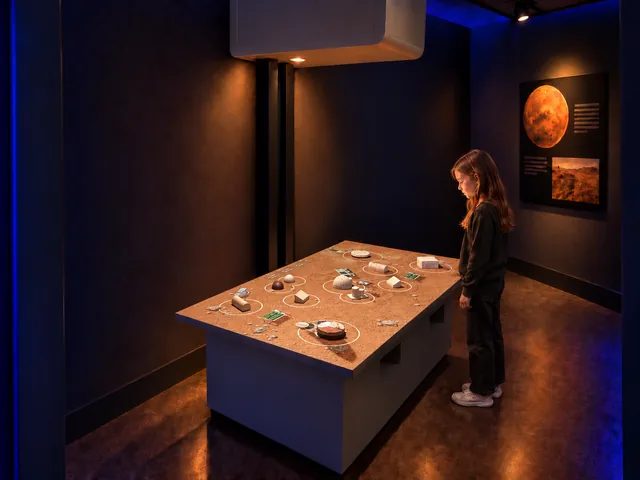
- AR Mars Colony: Use a responsive physical landscape to explore a Martian settlement.
- Build Bloom: Compare sand shaping with building from geometric pieces.
- How Big Is Universe: Extend map-based scale thinking into a wider journey through sizes.
Plan Your Exhibit
Send your available space and intended visitor group to discuss an AR Sandbox installation.
Discuss this exhibitKeep exploring.
All interactives
Build
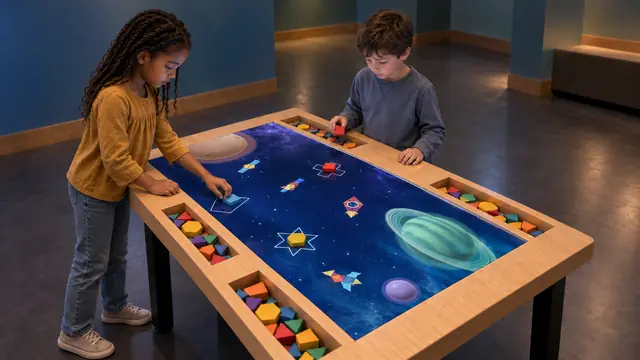
Build Bloom
An interactive building block table that connects physical shapes with digital worlds.
Discover
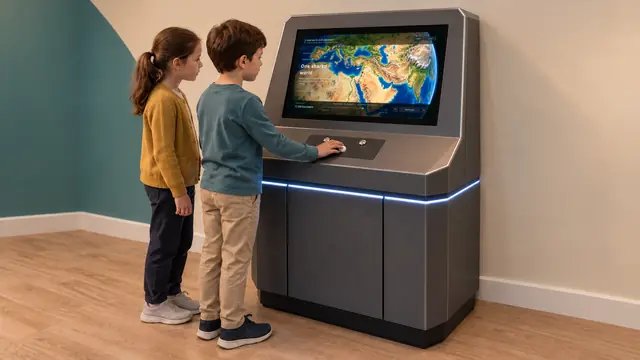
How Big Is Universe
A scale of the universe exhibit that connects the very small with the very large.