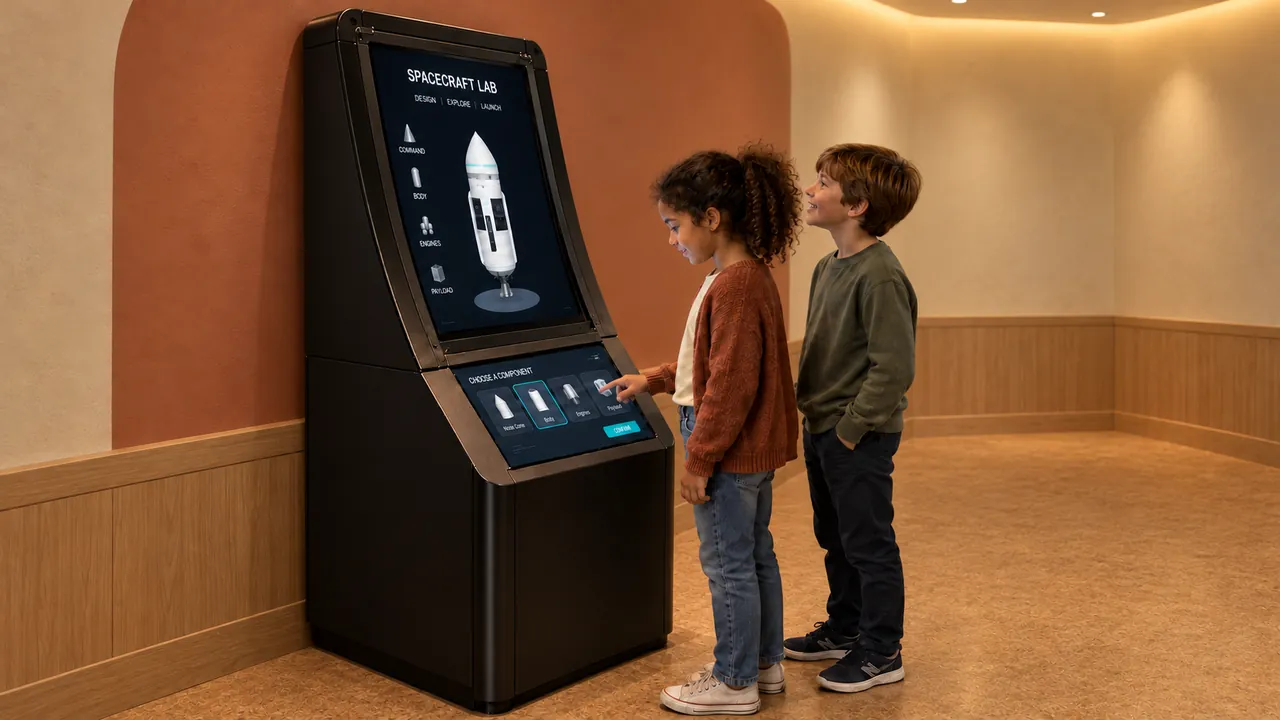
We design our digital exhibits around the actions visitors take and the way your team will operate the space. A science-center exhibit needs a useful relationship between an action and an idea. Visitors may turn a control or change a model, but the question is what that action allows them to notice. Start with a comparison they can investigate: what changes when a ridge is moved, a spacecraft choice is revised or the scale of a familiar object is altered?
Begin with something that can be changed
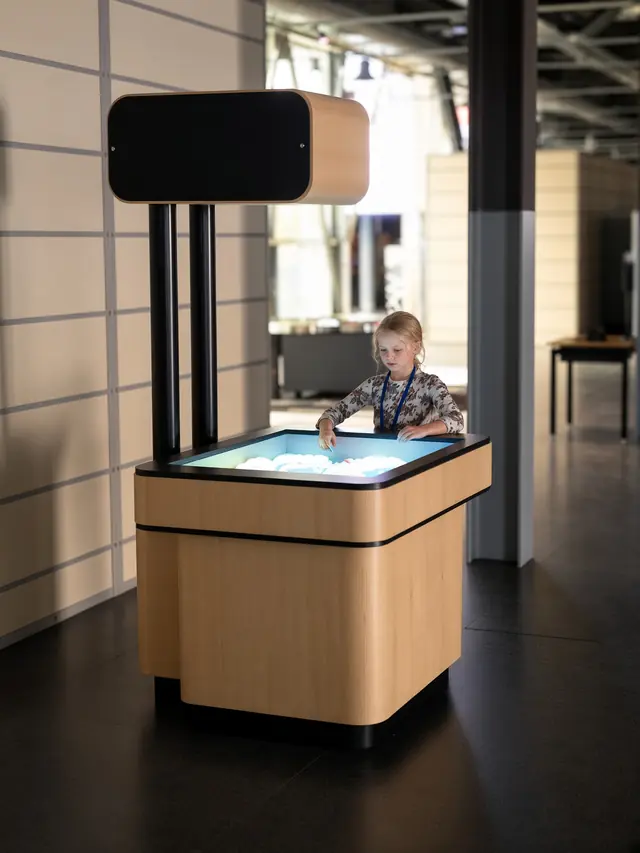
An investigation needs a visitor decision and an observable result. AR Sandbox connects reshaped sand with projected terrain colors, contours and virtual water. A facilitator might invite visitors to build a ridge, predict where a low area will remain and reshape the landscape to compare the result. The prompt comes from the behavior of the exhibit.
Terrain visualization is an established use of the augmented reality sandbox approach. The UC Davis project describes combining real sand with an elevation map, contours and simulated water. Use that context to develop interpretation, while checking which modes and behaviors belong to the specific installation being supplied. Read the UC Davis project description.
Connect a change to a result visitors can compare
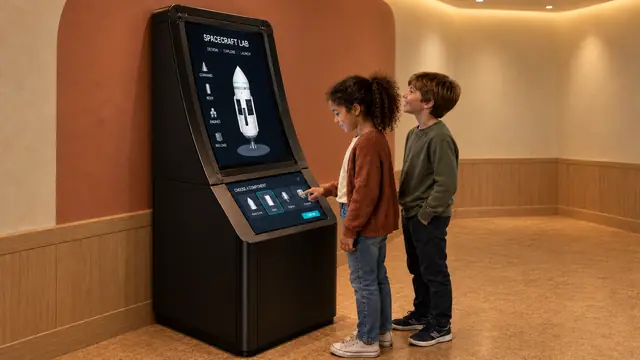
Design Your Spaceship includes selectable spacecraft bodies and a short test reporting height reached and fuel used. That creates an opening for a focused question: what happens to the reported result when a design choice changes? Encourage visitors to compare attempts before continuing into the mission sequence.
Do not describe a simplified experience as an engineering certification or a complete simulation of flight. Explain what the software presents and which comparisons it supports. An educational prompt is strongest when it uses information visitors can actually see, rather than introducing a conclusion that the interface cannot demonstrate.
Use a familiar reference for unfamiliar scales
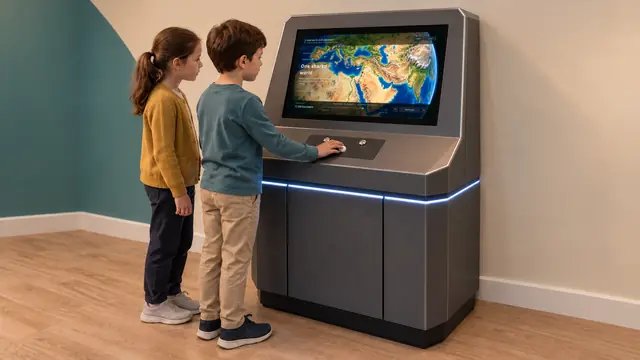
How Big Is Universe begins with a person and lets visitors move toward smaller or larger scales using a physical control. The human reference can connect an otherwise abstract sequence of sizes. A companion can read or discuss the explanatory scenes while another visitor operates the control.
Plan the surrounding interpretation around a few comparisons instead of repeating the complete screen text on a wall. Ask visitors to predict which scene comes next or identify when direct observation gives way to illustrative models. Keep approximate scale labels and the limits of simplified imagery clear. Position the exhibit so text remains readable to the intended viewing group.
Give an exploration room to continue
The Exploratorium’s research distinguishes the invitation to begin from the opportunities to keep exploring. That is a helpful lens when assessing a digital science exhibit: a striking first response should be followed by something meaningful to change or compare. Exploratorium exhibit-design research.
Review the reset behavior and the time needed to repeat an action. Consider how a facilitator can introduce a question without taking over the controls. A short optional prompt may suit family visits, while a school program may need a prepared sequence and space for a group to observe. The same hardware does not automatically serve both formats equally well.
Keep scientific interpretation within the demonstrated scope
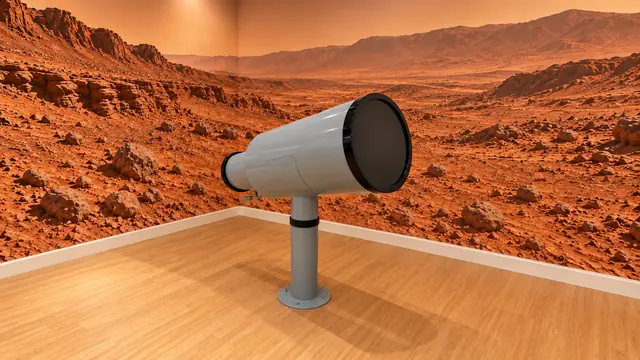
A playful space scene, simulated telescope view and spacecraft test each play a different role. Digital Telescope uses simulated astronomy scenes; it should not be presented as a live observation instrument. Likewise, a drawing activity with astronauts can belong in a space gallery without being described as astronaut training.
For procurement, request the content library, language coverage and review process alongside the equipment specification. Test the proposed questions against the delivered version. The aim is a coherent gallery where visitor actions make comparisons possible, the interpretation stays accurate and staff have a clear basis for continuing the conversation.