This guide presents a potential venue application, not an installed healthcare project or a clinical outcome study. It considers recreational and general educational activities in a pediatric setting; it makes no treatment or anxiety-reduction claims.
Start with the room's purpose
A supervised playroom, an outpatient waiting area and a family education space have different operational needs. Before choosing an exhibit, establish who uses the room, who supervises the activity and whether participation is appropriate for that location. The clinical, infection-prevention, facilities and accessibility teams should help define the brief.
The aim is to offer a clear activity within the room's existing purpose. The exhibit must fit appointment calls, staff movement and family circulation. It should also be possible for someone to remain outside the activity zone without losing access to seating or information.
Consider a supervised drawing area
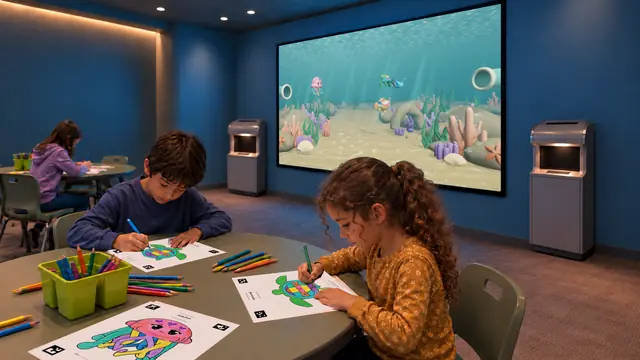
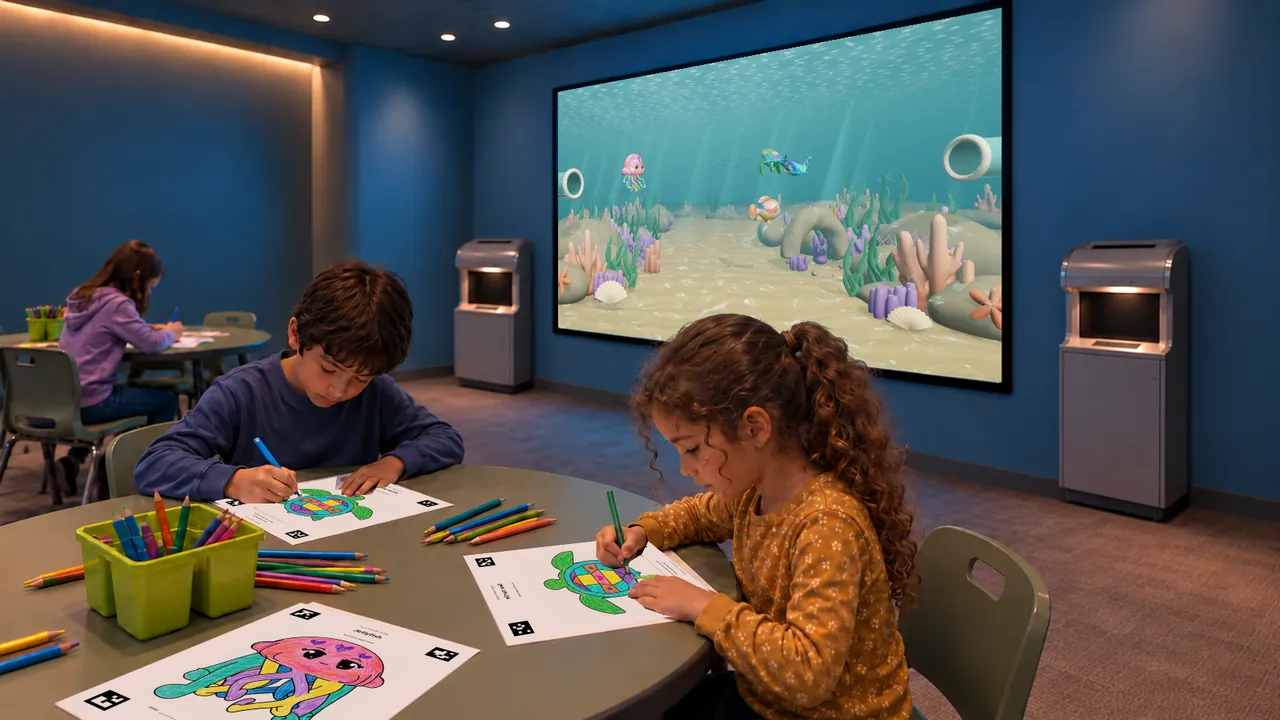
Sketch Bloom begins with coloring a printed character outline, followed by scanning the page into a Reef or Jungle scene. Where the venue approves paper-based activities, this could form a supervised making area with a shared screen that accompanying family members can watch.
Plan the drawing table, approved paper templates, coloring materials and scanner as one workflow. Establish how materials are issued, handled and replenished under the venue's procedures. Whether sheets can leave the activity area is also an operational decision for the facility. The display and scanners should not obstruct staff sightlines or the route to consultation rooms.
Review touchscreen options individually
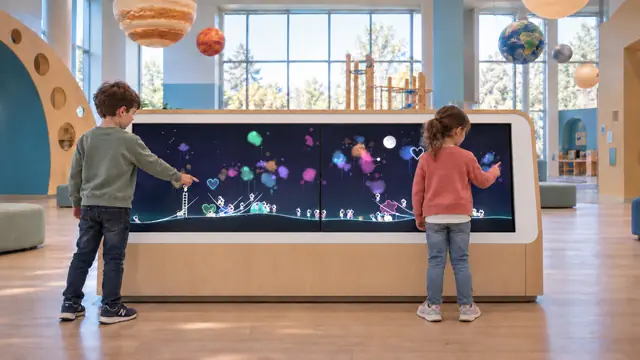
Little Astronauts offers direct drawing in a shared animated space scene. It avoids a paper-scanning sequence, but the touchscreen remains shared equipment requiring an approved care routine. The wide cabinet, operating height and approach need to fit the actual room and intended users.
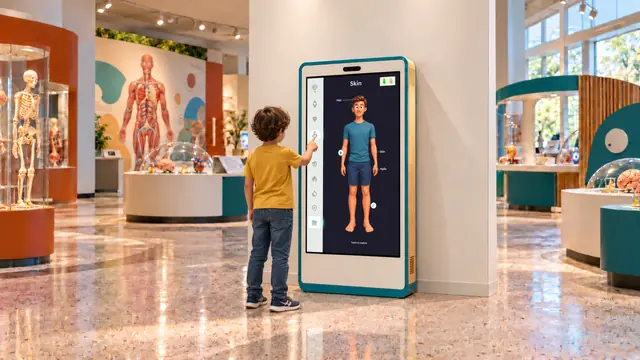
Our Body could be considered for a separate family education area. Its labeled body views and interactive examples support general discussion of anatomy. A venue's clinical and education teams should review the topics, imagery, language and audience suitability. The software is not a diagnostic tool or a substitute for an explanation from a healthcare professional.
Make cleaning and access part of selection
CDC guidance calls for healthcare facilities to establish cleaning policies for shared play materials and to include multi-use electronic equipment in contamination-prevention and cleaning procedures. The local team should assess each proposed surface and object against its own policies and the equipment manufacturer's instructions. CDC isolation precautions recommendations
Provide the team with the cabinet materials, touchscreen specifications, paper workflow and service requirements before purchase. Confirm compatible cleaning products and methods with our team rather than assuming that every surface tolerates the same process. Assign responsibility for routine checks and taking an activity out of use when needed.
Keep the activity proportionate to the setting
A quieter, supervised drawing arrangement is a more relevant starting proposal for many waiting-area briefs than throwing games or stepping platforms. This is a planning judgment, not a universal suitability claim. Review sound, brightness, reach, seating, mobility-aid access and space for companions with the facility team. Audio behavior and available controls must be confirmed for the selected software.
Share the room type, supervision model and operational requirements through Contact. Product selection can then proceed around a facility-approved activity plan, with technical and clinical teams agreeing what is appropriate before installation.