Build
Build Bloom
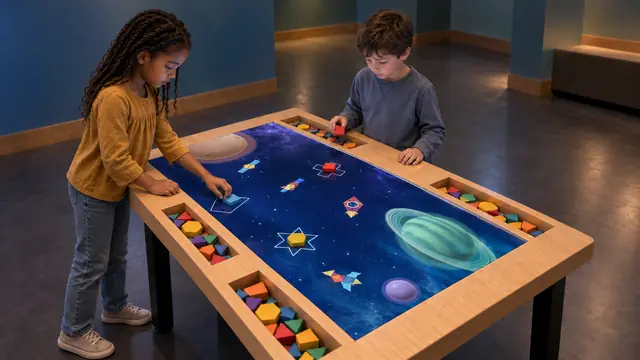
An interactive building block table that connects physical shapes with digital worlds.
Create
An interactive coloring wall where paper drawings become animated characters.
Discuss this exhibit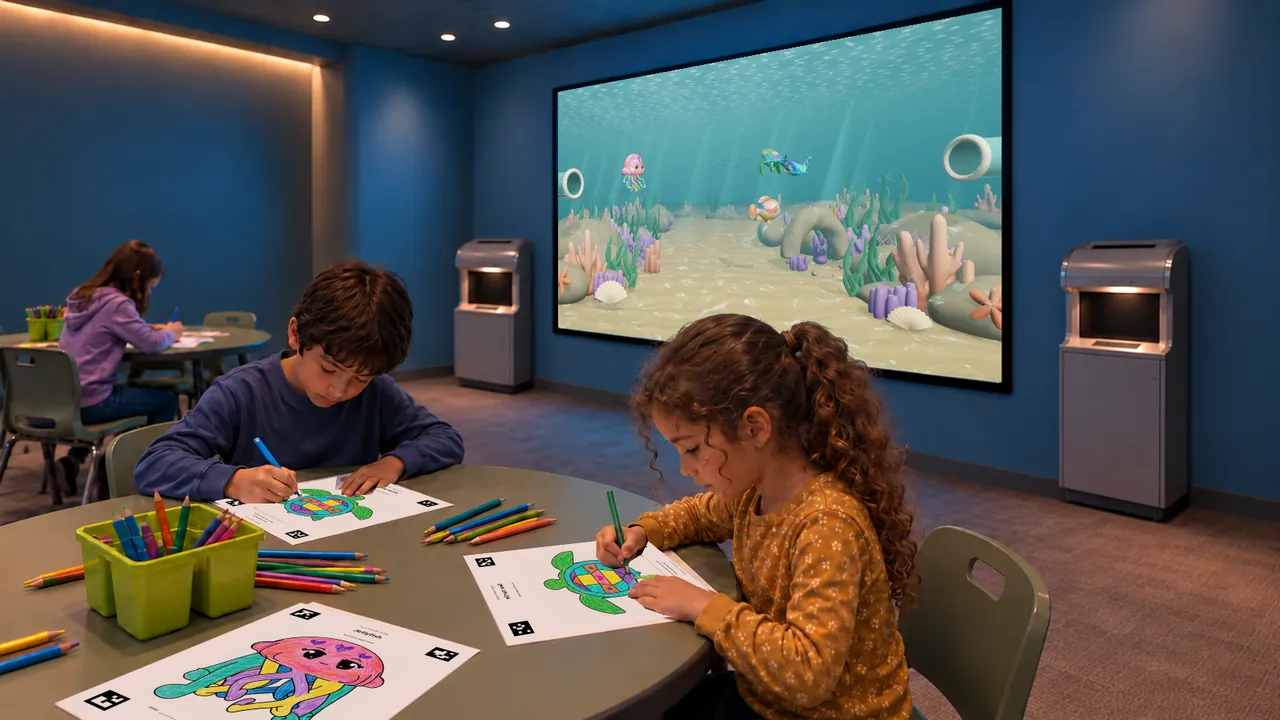
Overview
A drawing starts on the table and continues on the screen. In Sketch Bloom, children color a printed outline, place the sheet at a scanning station and watch their character appear in an animated environment.
The original coloring remains part of the character’s appearance, giving visitors something recognizable to find in the scene. Reef and Jungle settings connect a familiar paper activity with a large shared display, making the experience easy for accompanying families to follow.
Sketch Bloom · YouTube
Watch the exhibit in action.
YouTube loads only when you press play.YouTube ↗
Gallery
Visitors explore color, pattern and personal expression while following a physical-to-digital sequence. Looking for their own character on the screen creates a link between the decisions made on paper and the animated result. The activity can support conversations about the animals and environments in each theme.
| Dimensions | Customized to the venue requirements |
|---|---|
| Display | LED display, projection or LED wall |
| Simultaneous users | Group participation |
| Recommended ages | 3–10 years |
| Supply scope | Drawing tables included |
| Standard software languages | English / Spanish / Arabic |
| Additional languages | Available on request |
| Customization | Dimensions, materials and appearance can be customized |
| Standard warranty | 1 year |
Specifications describe the configuration listed here. Contact us for the complete equipment schedule and installation drawing for your project.
Sketch Bloom suits children’s museums, family discovery centers and creative activity areas in family entertainment venues. Drawing tables support a longer making activity, while the screen gives visitors a shared place to see the results. Children’s healthcare play spaces may consider it where seating, supervision and paper handling suit the setting.
We configure Sketch Bloom with an LED display, projection or an LED wall to suit your venue. Dimensions, materials and appearance are customizable. We plan the drawing tables, scanning stations and shared display as one activity area for children aged 3–10.
Our Sketch Bloom experience brings together Reef and Jungle software, compatible drawing templates and a scan-to-screen workflow. Drawing tables are included. We define the software selection and equipment package with you for the proposed installation. Your project proposal sets out the supplied components, installation and training scope, and any consumables or ongoing services. Every exhibit includes a one-year standard warranty.
The demonstrated workflow starts with coloring a printed sheet, then scanning it into the digital scene.
Yes. We offer LED displays, projection and LED walls, with the display format and layout tailored to your venue.
Use the character outlines prepared for the experience. Template compatibility is part of the software and scanner setup.
Paper and coloring materials need replenishment. Allow storage and a routine for keeping the drawing area and scanning surfaces ready for visitors.
Share your preferred theme, display format and seating area to plan a Sketch Bloom zone.
Discuss this exhibit
Build
An interactive building block table that connects physical shapes with digital worlds.
Create
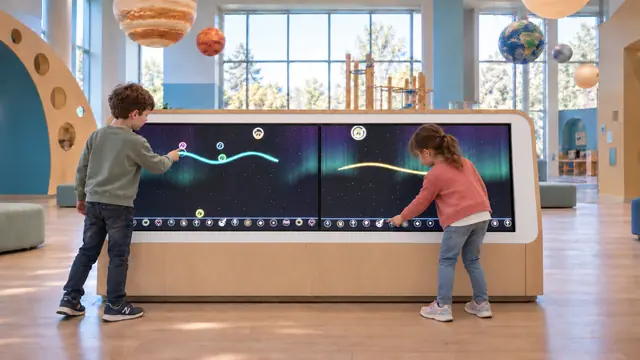
An interactive musical drawing exhibit where marks become part of a sounding world.