Build
Block Town: Interactive City-Building Table
Build with physical models. Watch a projected town connect around them.
Discuss this exhibit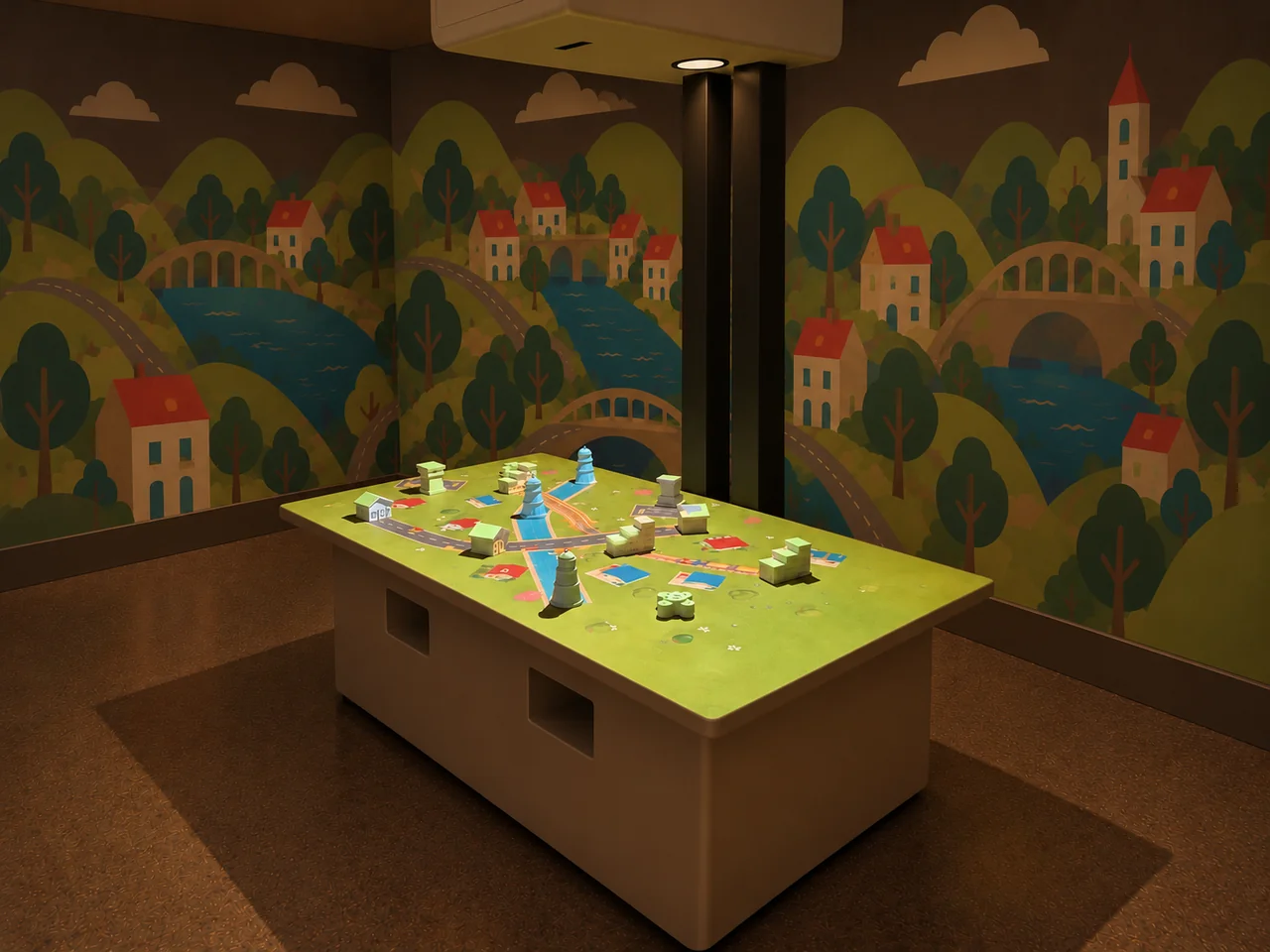
Overview
A town takes shape one piece at a time. Block Town is an interactive city-building table where visitors place physical models on a projected landscape and watch a transport network develop around them.
Roads, railway tracks and waterways connect the scene. Cars, trains and boats travel through the town, while airport pieces introduce runways and aircraft. Moving a model changes the arrangement, giving visitors something new to follow and compare.
We bring construction play and digital animation onto the same surface. The pieces stay in visitors' hands; the changing town makes their choices visible to everyone around the table.
Block Town · YouTube
See the interaction.
Watch the exhibit in action.
YouTube loads only when you press play.YouTube ↗
Gallery
A closer look.
The Visitor Experience
- Choose a model piece and place it on the activity surface.
- Add more pieces and watch the projected town form connections.
- Follow the vehicles through the roads, railway and waterway, and observe activity at the airports.
- Move a piece, compare the changed layout and try another arrangement.
What Visitors Discover
Block Town gives visitors a practical way to explore routes and spatial relationships. What changes when two locations move farther apart? Where do different transport routes meet? How can a new arrangement change the way the town looks?
Children and accompanying adults can compare ideas using the same visible scene. The activity connects a familiar action—moving a model—with a digital response they can observe, discuss and change again.
Explore the Content
- Road connections: physical building models sit within a projected road network with animated cars.
- Rail transport: station pieces connect through railway tracks with moving trains.
- Water routes: waterways and animated boats add another way to move through the town.
- Airports: airport pieces introduce runway areas and aircraft activity.
- An evolving town: visitors rearrange the pieces to explore different layouts within the same landscape.
Key Features
- Physical model pieces control the tabletop activity.
- Projected routes respond to changes in the arrangement.
- Road, rail, water and air transport share one town scene.
- A shared surface makes the result visible to visitors and companions.
- Visitors can revise the layout and compare their ideas.
Specifications
| Dimensions | 1800 × 1100 × 2250 mm |
|---|---|
| Power requirement | 1 kW |
| Display | 4,200-lumen laser projector |
| Simultaneous users | 4–6 |
| Standard software languages | English / Spanish / Arabic |
| Additional languages | Available on request |
| Customization | Dimensions, materials and appearance can be customized |
| Standard warranty | 1 year |
Specifications describe the configuration listed here. Contact us for the complete equipment schedule and installation drawing for your project.
Who It's For and Where It Fits
Block Town fits children's museums, science centers and family discovery spaces with room for a shared construction activity. Its transport theme also makes it relevant to galleries about journeys, towns and the connections between places.
The standard configuration supports 4–6 simultaneous users. Visitors can contribute an idea, follow a vehicle or discuss a new layout with a companion. We plan the table's reach, approach space and operating arrangement around the intended audience and venue.
Exhibit Configurations and Customization
The standard configuration measures 1800 × 1100 × 2250 mm, uses a 4,200-lumen laser projector and requires 1 kW. We can customize the dimensions, materials and appearance to suit your space. The illustrated configuration combines a freestanding table, physical models and overhead projection equipment. We coordinate the table finish and equipment enclosure with your exhibition design.
English, Spanish and Arabic are standard software languages, with additional languages available on request. The town-and-transport scene is the demonstrated content; requests for new scenes or a representation of a specific city are discussed as separate development work.
Space and Installation Requirements
- Leave room to approach the table, reach the model pieces and circulate behind participants.
- Plan the overhead equipment position together with the table, keeping its supports and cables clear of visitor routes.
- Manage direct sunlight and strong light falling on the activity surface so projected roads and vehicles remain visible.
- Provide equipment ventilation and maintenance access. We confirm electrical, network and mounting requirements in the project equipment schedule.
What's Included
Our Block Town experience combines town-building software, physical model interaction and an animated projected landscape. We specify the table and cabinet, model set, projection and detection equipment, and exhibit computer in your project proposal. The proposal also defines installation, staff training and any ongoing services for the chosen configuration.
Every exhibit includes a one-year standard warranty.
Application Examples
- Children's museums: add a shared town-building activity to a construction, transport or community-themed gallery.
- Science centers: connect visible routes and moving vehicles with conversations about systems, connections and cause and effect.
- Family entertainment centers: create a hands-on activity where families can build and compare a layout together.
- Pediatric playrooms: consider a dedicated, supervised activity space where the table's footprint, loose pieces and projection lighting suit the venue's operating requirements.
Frequently Asked Questions
How do visitors change the town?
They place and move the physical model pieces. The projected scene responds to their arrangement, so the tabletop becomes both the building area and the display.
Which types of transport appear?
The demonstrated scene includes cars, trains, boats and aircraft, with roads, railway tracks, waterways and runway areas.
Are the models a fixed city layout?
No. Visitors rearrange the model pieces and compare the changing town. The activity is centered on trying different configurations.
Does it need a dark room?
The exhibit uses projection. We plan the lighting with your venue to maintain clear contrast on the table, particularly where daylight or nearby displays affect the surface.
Can the exhibit match our interior?
Yes. Dimensions, materials and appearance are customizable. We agree the table and equipment enclosure design with you.
Does it require internet?
We confirm the operating and support connectivity requirements for your supplied system in the technical proposal.
Related Interactive Exhibits
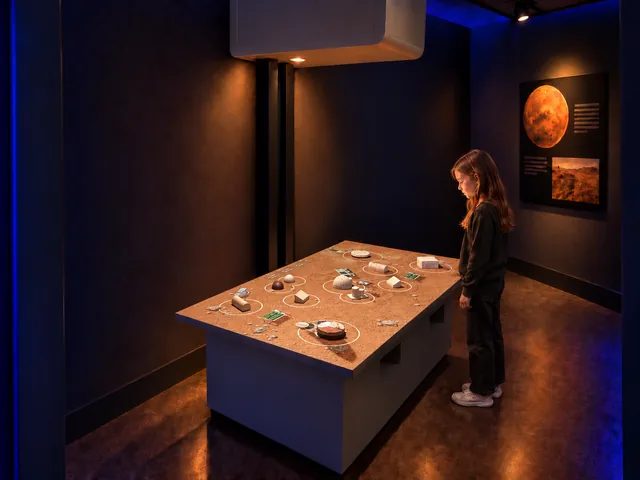
- AR Mars Colony: explore another model-based settlement activity, this time on a Martian landscape.
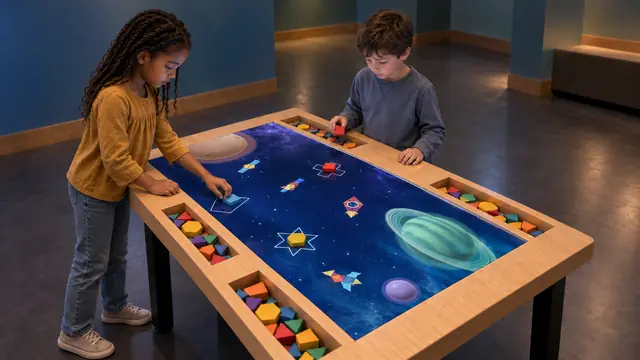
- Build Bloom: combine geometric pieces and animated scenes in a complementary shape-building activity.
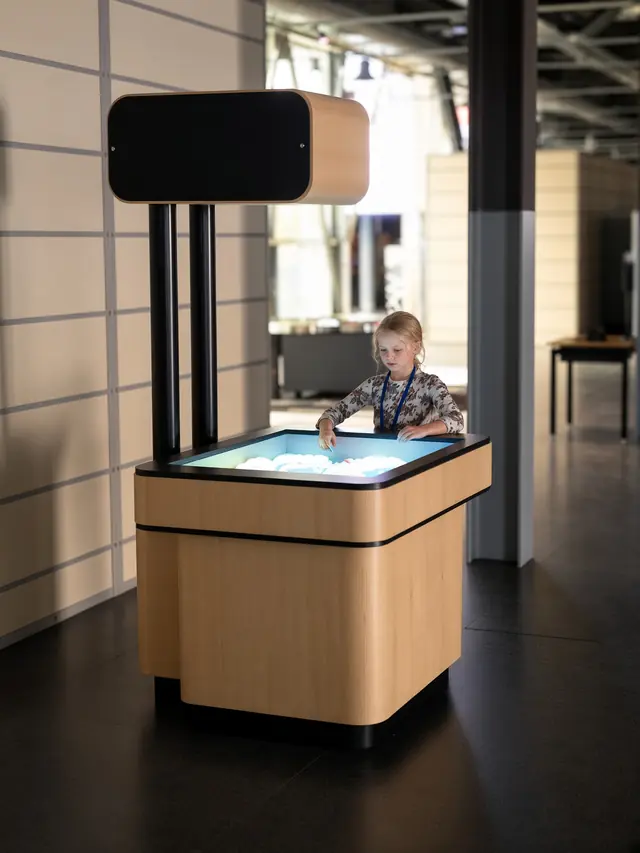
- AR Sandbox: let visitors shape the terrain itself and observe a changing projected landscape.
Plan Your Exhibit
Tell us about your venue, visitor group and available activity area. We will help you plan a Block Town configuration for your space.
Discuss this exhibitKeep exploring.
All interactives
Build
Build Bloom
An interactive building block table that connects physical shapes with digital worlds.