Create
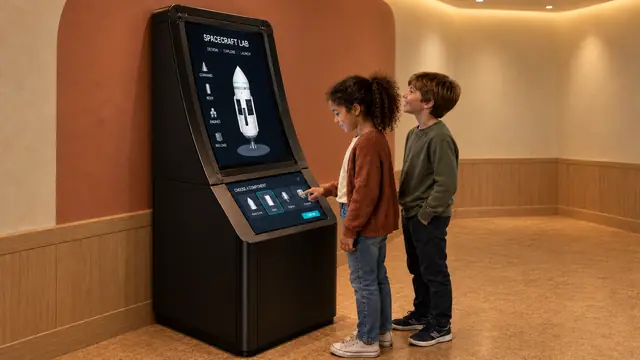
Design Your Spaceship
An interactive rocket design exhibit that turns choices into a visible flight.
Discover
A periodic table touchscreen that invites visitors to investigate the elements.
Discuss this exhibit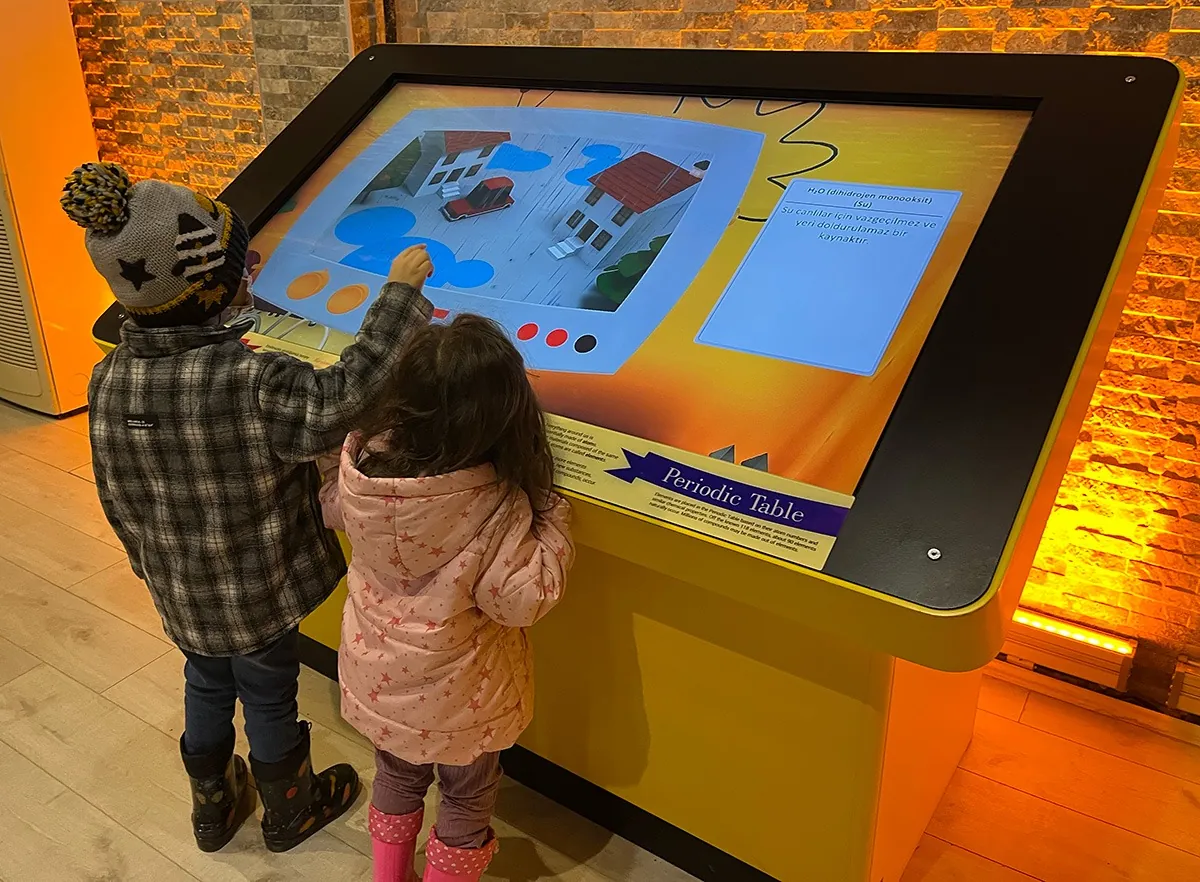
Overview
Periodic Table turns a familiar reference chart into a hands-on chemistry experience. Visitors select elements on a touchscreen and explore the information and visual examples linked to them.
The experience also connects elements with compounds and everyday materials. Instead of viewing chemical symbols as an isolated grid, visitors can follow them into examples that help give the table meaning within a science-gallery visit.
Periodic Table · YouTube
Watch the exhibit in action.
YouTube loads only when you press play.YouTube ↗
Gallery
Visitors explore the organization of the periodic table and the connection between elements and materials around them. Selecting and comparing entries gives the chart a practical use, while compound examples provide a route from individual symbols to familiar substances.
| Dimensions | 1400 × 100 × 600 mm |
|---|---|
| Power requirement | 1 kW |
| Display | Industrial touchscreen |
| Recommended ages | 9 years and above |
| Standard software languages | English / Spanish / Arabic |
| Additional languages | Available on request |
| Customization | Dimensions, materials and appearance can be customized |
| Standard warranty | 1 year |
Specifications describe the configuration listed here. Contact us for the complete equipment schedule and installation drawing for your project.
Designed for visitors aged 9 and above, the exhibit suits science museums, school-group discovery areas and galleries about materials or chemistry. It can support a quick investigation of one element or a longer discussion comparing several entries. An educator can use visitors’ selections to introduce further questions.
Our Periodic Table uses an industrial touchscreen. The standard dimensions are 1400 × 100 × 600 mm, with a power requirement of 1 kW. We customize dimensions, materials and appearance to suit your venue. English, Spanish and Arabic are standard software languages, with additional languages available on request.
Our Periodic Table experience brings together element and compound content with an industrial touchscreen interface. We define the software selection and equipment package with you for the proposed installation. Your project proposal sets out the supplied components, installation and training scope, and any consumables or ongoing services. Every exhibit includes a one-year standard warranty.
Yes. The periodic-table touchscreen is the entry point for exploring element information.
The supplied material includes an element-combination interaction and compound examples. The supported combinations should be confirmed in the final content list.
The demonstrated experience is a curated exploration of elements and compounds, rather than an unrestricted chemical laboratory.
Compatibility depends on the screen, touch system, operating environment and software requirements. An existing display should be assessed before it is included in the installation plan.
Share your chemistry-gallery objectives and display requirements to discuss the Periodic Table exhibit.
Discuss this exhibit
Create
An interactive rocket design exhibit that turns choices into a visible flight.
Discover
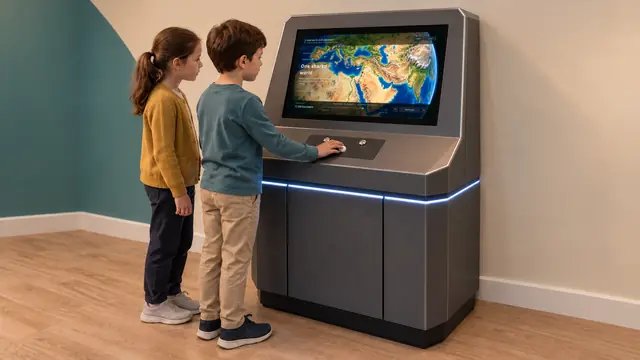
A scale of the universe exhibit that connects the very small with the very large.