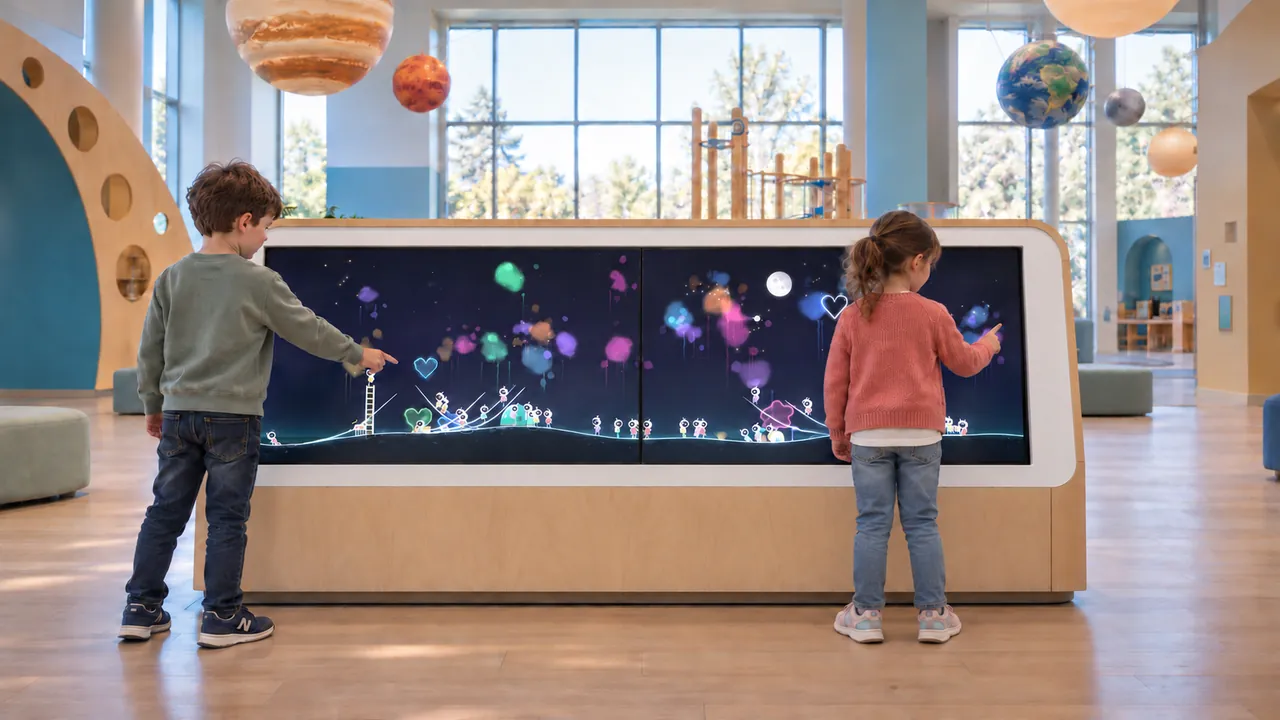
We design our digital exhibits around the actions visitors take and the way your team will operate the space. A children's museum interactive should give a child something to investigate. The visual result matters, but so do the decisions on the way to it: which color to choose, where to draw a route, how to turn a piece or what to change after an unexpected response. Those decisions are useful starting points for selecting digital exhibits and arranging the space around them.
Look for choices that visitors can recognize
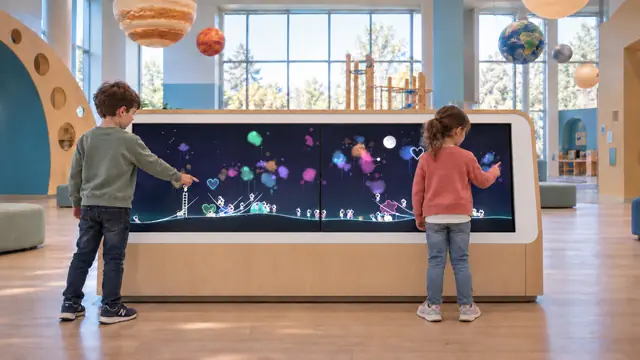
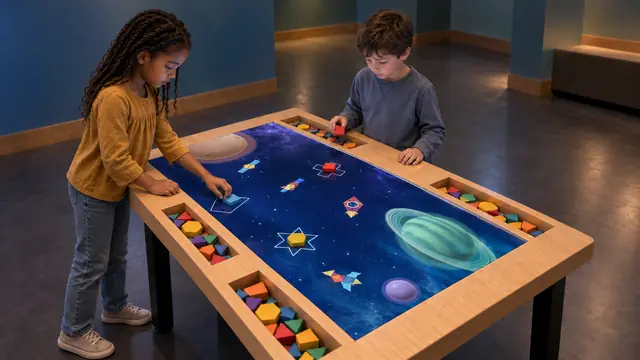
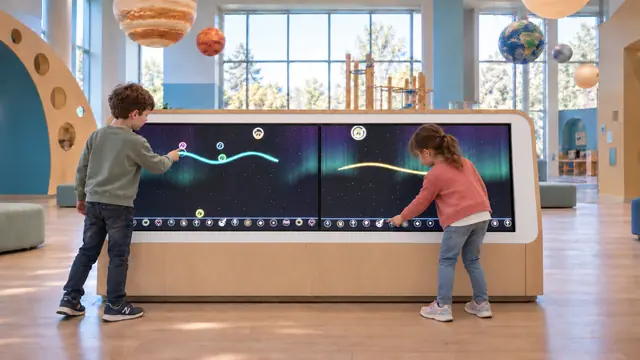
Ask what is genuinely under the visitor’s control. In Little Astronauts, lines and shapes become part of a shared space scene populated by animated characters. A child can add a route, watch what happens and extend it. In Build Bloom, the visitor handles and repositions physical pieces. The interaction makes a choice visible.
Keep the description specific. A space backdrop does not turn every activity into an astronomy lesson, and a response to a touch does not by itself show what someone has learned. Describe the observable activity first. Then identify the conversations or investigations you want to encourage around it.
Offer a clear invitation without scripting every result
Try the exhibit with someone who has not seen a demonstration. Can they find the starting point? Do they understand which object or surface they may use? Is the result close enough to the action to be noticed? A short, concrete invitation can leave more room for exploration than a long explanation of every possible feature.
The Association of Children’s Museums’ interPLAY project offers a framework for looking at play-based STEM experiences through design, facilitation and visitor practices. It also provides observation and reflection tools for museum teams. These are useful resources when reviewing how an exhibit is actually used. Explore the interPLAY framework.
Include adults without handing them the controls
Plan a place where an accompanying adult can see and respond while the child continues making decisions. At a table, this may mean room beside a building area. At a large display, it may mean a clear sightline from a nearby seat. An adult can ask what changed, compare two results or help find a character without selecting every next step.
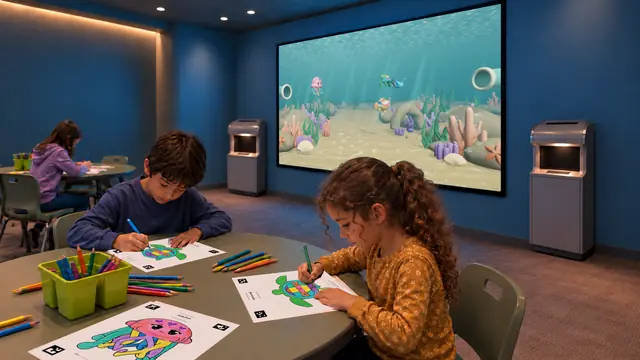
Sketch Bloom makes that relationship concrete. Children color approved paper outlines and scan them into a Reef or Jungle scene. A companion can help follow the paper-to-screen sequence while the child identifies their own colors. Plan the route and scanner position so the adult’s assistance does not block another visitor.
Provide different ways to participate
A child may begin by watching, then try one small action before making a larger contribution. Make room for that approach. Consider a mix of tactile building, seated drawing and direct touch rather than assuming every visitor will prefer the same interface. Review reaching positions, instructions, seating and sensory conditions for the actual audience.
Shared exhibits also need clear boundaries. Confirm the number of simultaneous inputs and the intended operating group. A wide screen in a rendering is not a capacity specification. Ask how a scene resets and whether a visitor can understand what remains from the previous participant.
Observe the experience, then adjust
During a trial, record concrete actions: where visitors hesitate, whether they repeat a choice, when companions join and what staff need to explain. Separate these observations from interpretations about enjoyment or learning. If a child leaves quickly, check the context before treating the departure as failure; they may have completed the experiment they wanted to try.
Use the findings to refine labels, furniture positions, prompts and facilitation. A children's museum does not need every interaction to end in an identical finished object. It needs invitations that children can understand and choices worth exploring, supported by a room and an operating routine that let those experiences happen.