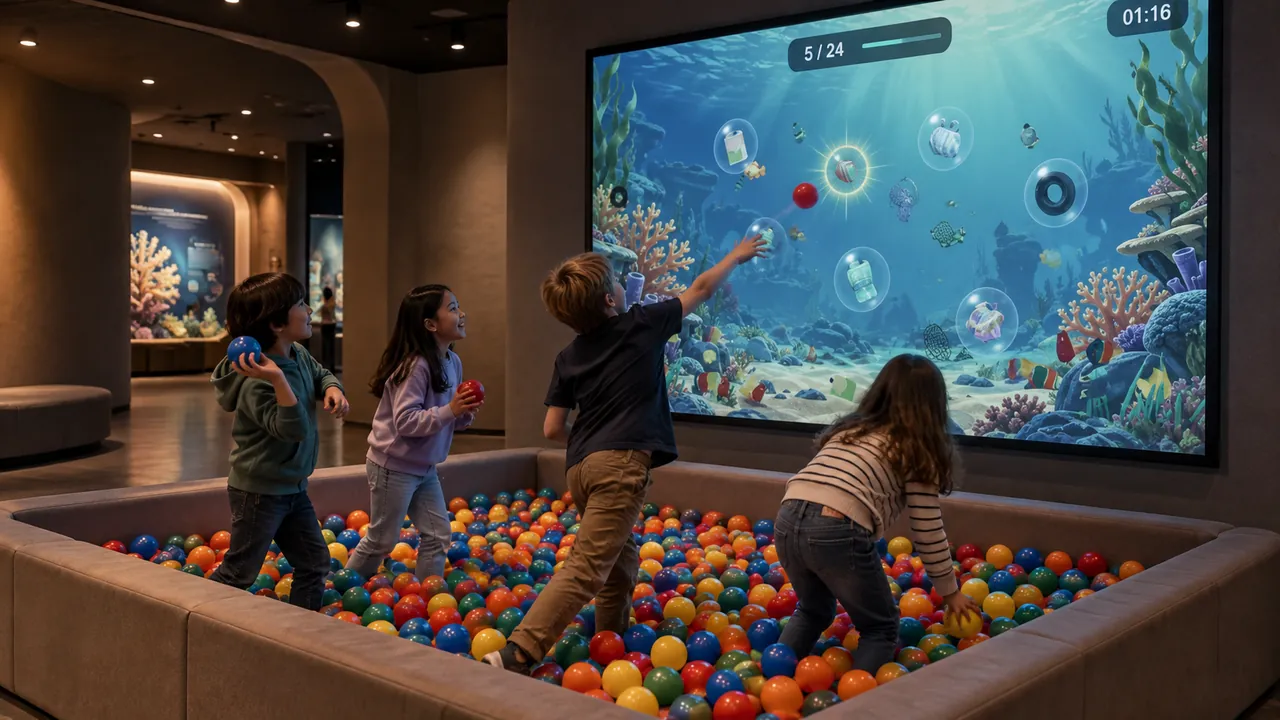
This is an application scenario for a family entertainment center, not a named customer installation or a performance case study. It explores how the available exhibits could fit different activity zones without assuming visitor numbers, revenue or session lengths.
Give the venue a range of activity rhythms
A family entertainment center can offer more than one way to participate. Some visitors want movement; others want to make something and inspect the result. A companion may prefer to watch before joining. Plan the digital area around that variety, then select exhibits whose actions are easy to understand from the visitor route.
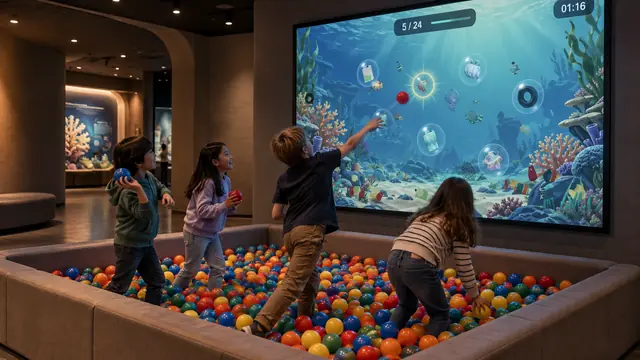
Ball Wall provides a visible active attraction. Players throw physical balls toward a projected scene and see the response. The demonstrated software includes Reef Rescue, Toy Town Traffic Rescue, Chain Reaction and Living Paint Garden. The chosen game bundle should be listed in the project scope rather than assumed from a promotional montage.
Separate energetic play from creative work
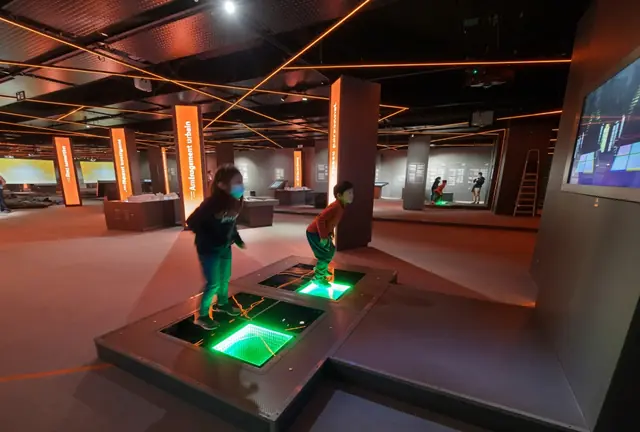
Ball Wall needs a defined throwing area, containment and a route for spectators. Dance Floor can add a different physical action: steps trigger light and music on illuminated platforms. It does not generate electricity. Review platform access, floor transitions, occupancy and sound together when planning its position.
Place these active experiences where their movement and audio fit the surrounding attractions. Avoid sending children across a throwing zone to reach a drawing table or exit. The space occupied by waiting families is part of the activity footprint, even when nobody is touching the exhibit.
Make room for a different kind of play
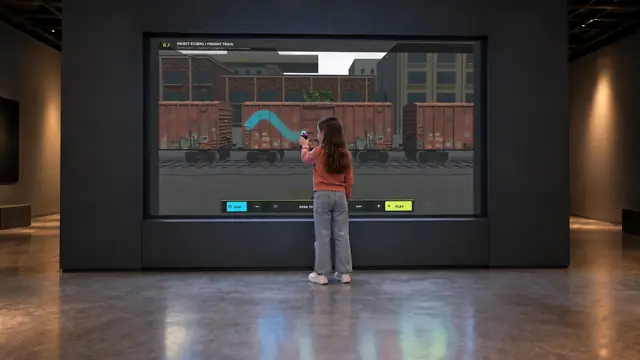
Digital Graffiti offers a large creative surface controlled by digital spray controllers. Visitors can paint a wall or the demonstrated vehicle scenes, including a train. The developing artwork gives companions something to follow while the participant experiments with colors and tools.
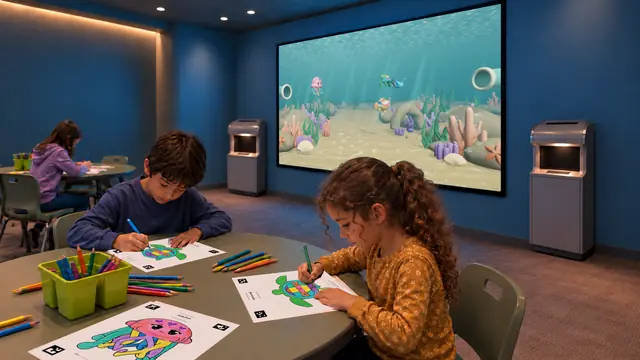
A separate Sketch Bloom area begins at seated drawing tables. Children color approved templates, scan them and find their characters on a Reef or Jungle display. It creates a distinct making sequence, with paper, coloring materials and scanner access built into the layout.
Build Bloom is another option where a physical building activity fits the offer. Its geometric pieces and digital outlines connect hands-on arrangement with animated scenes. Select it for the activity itself, then choose the theme that suits the room.
Design the operating model before opening
Decide whether each experience is part of general admission, a supervised zone or a separately managed activity. These are venue decisions; the software preview does not establish ticketing integration, session control or a guaranteed visitor throughput.
For each shortlisted product, review how a new visitor begins, how staff recognize an issue and how the space is prepared for the next group. Identify responsibility for returning controllers, checking pieces, replenishing paper and cleaning the operating surfaces. Confirm any required reset behavior in the supplied version.
Build the mix around your floor plan
A compact venue might prioritize one active attraction and one creative experience. A larger center could create distinct movement, painting and drawing areas, with circulation and sound planned between them. Share your existing attraction mix, available space and staffing approach through Contact. The next step is a site-specific layout and equipment scope, rather than a promise that one standard combination suits every center.