This application guide describes a possible science-center gallery, not a completed installation. The exhibit combinations below are planning ideas based on the demonstrated product experiences.
Organize the gallery around questions
A strong interactive science area gives visitors a question they can investigate. What happens when a valley changes shape? How does a spacecraft choice affect a test? Where does the human body sit between microscopic and astronomical scales? These questions help connect individual exhibits with the gallery's broader story.
Start by choosing the investigation, then decide what visitors should be able to change and compare. Digital content becomes useful when the resulting response is clear enough for a family or school group to discuss.
Build an Earth-and-space sequence
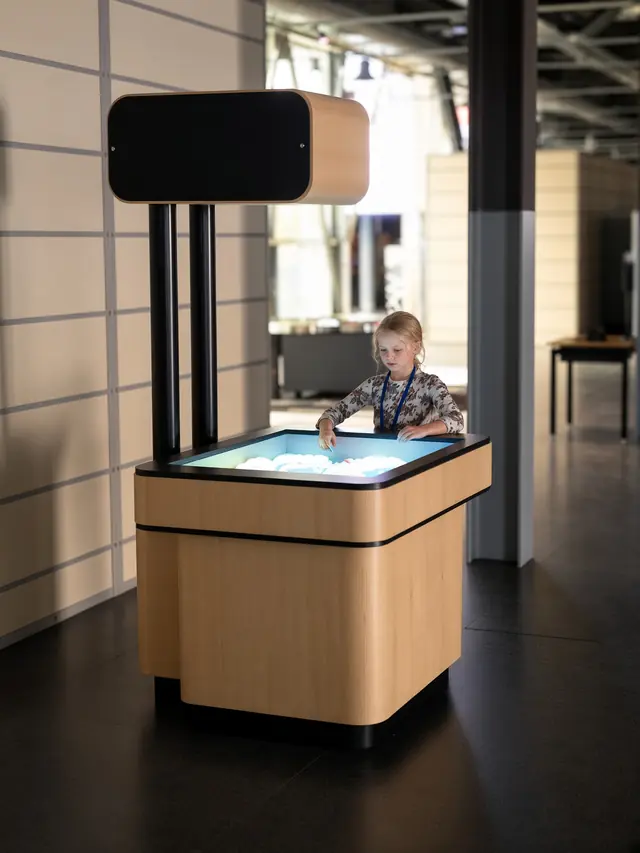
AR Sandbox offers a physical entry point. Visitors shape real sand and observe projected elevation colors, contour lines and virtual water. A facilitator might invite a group to build a ridge, create a lower area and compare the mapped landscape before and after the change.
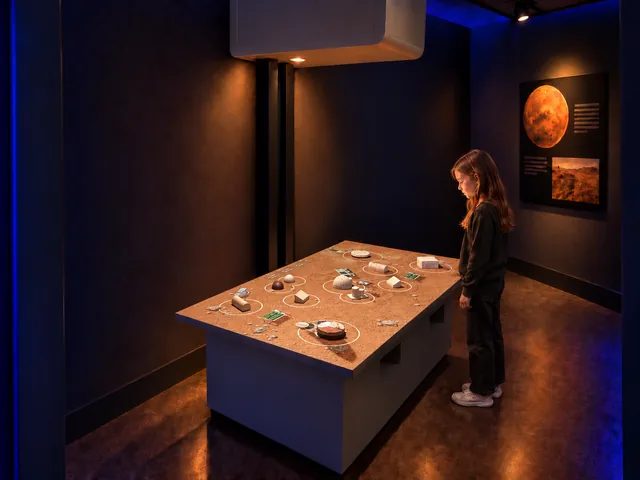
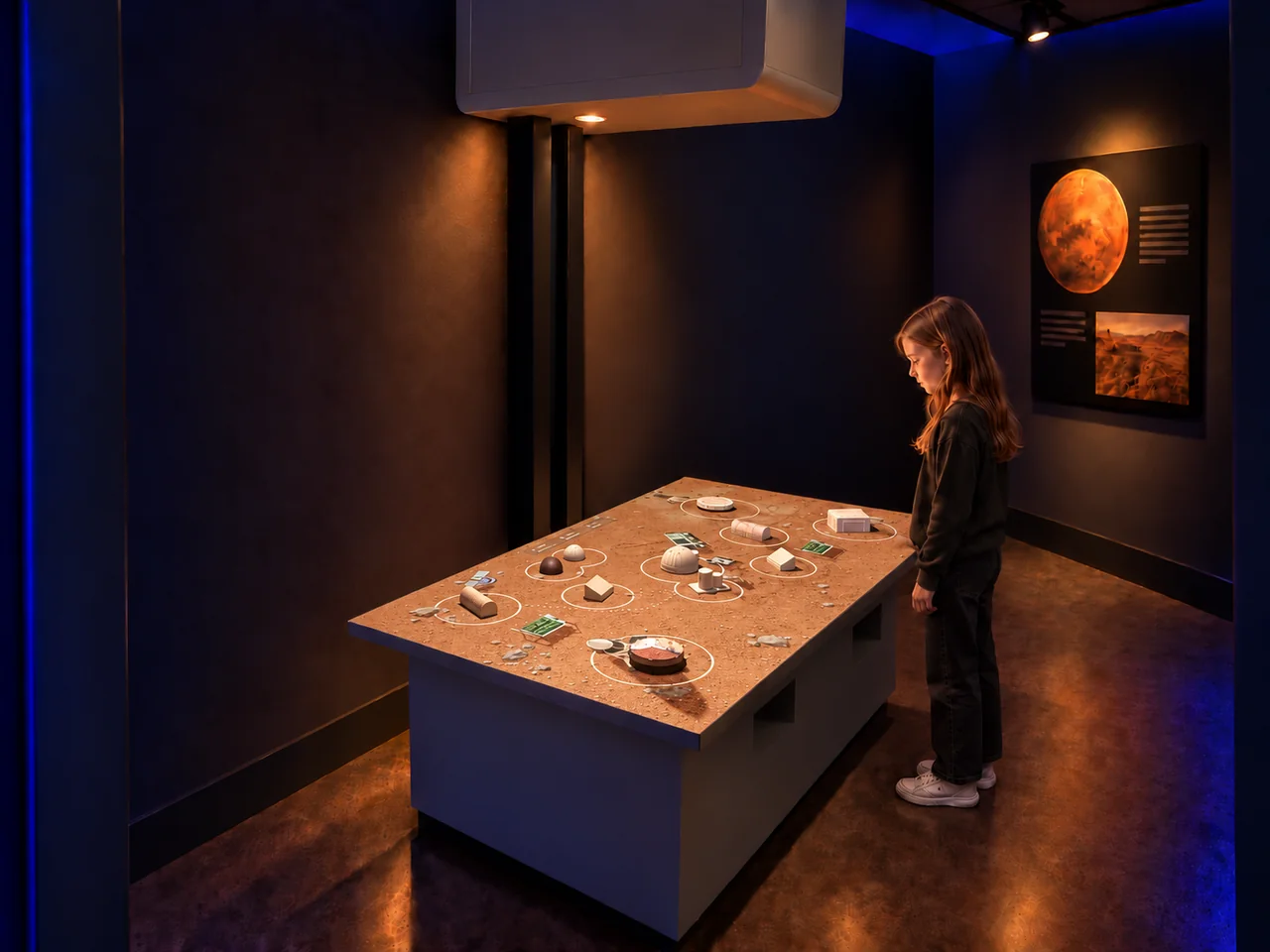
AR Mars Colony moves the conversation from landforms to a settlement. Visitors arrange physical models while digital vehicles respond to the layout. The table can prompt discussion about routes, homes and the resources a settlement would need. It should be presented as an exploratory exhibit, with the limits of its simplified model made clear in interpretation.
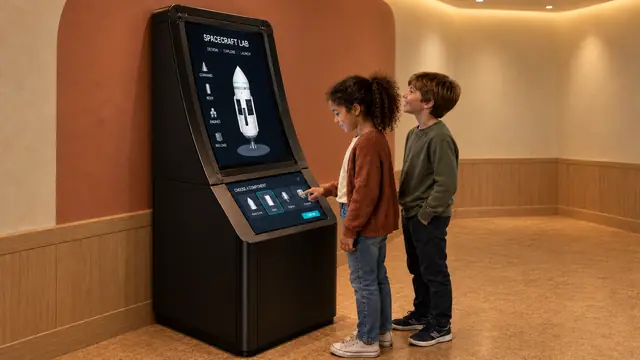
Design Your Spaceship adds a more structured design-and-test activity. Visitors select a spacecraft, run a short test and compare height reached and fuel used. The upper display lets companions follow the mission while another person uses the lower controls.
Connect the scale of things
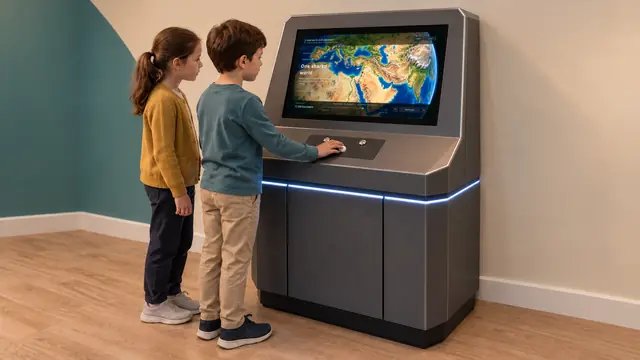
How Big Is Universe can act as a bridge between subject areas. Its physical rolling control moves from a human reference toward cells and atomic structures or outward toward Earth and astronomical environments. The illustrated comparisons provide a shared language of size across different galleries.
In a life-science area, Our Body follows that human reference into labeled body views and interactive examples involving sight, touch and digestion. Specify the final content library with the education team and review explanations, terminology and language coverage before opening. The exhibit is general educational content; it does not provide diagnosis or clinical training.
Plan for individual exploration and groups
A school group needs places to gather and see a result without obstructing the next station. A shared terrain table, a single control position and a large mission screen each create different viewing arrangements. Lay out the operating area, companion area and circulation route for every exhibit.
Use interpretation at several levels: a clear starting instruction, a question to investigate and a deeper explanation nearby. Consider readable labels, access to controls and equivalent ways to follow the important information. These are also central concerns in the Smithsonian's accessible exhibition guidance; the final design must address the venue's own audience and applicable requirements.
Turn the concept into a specification
Confirm the selected software versions, languages, display formats and physical model sets. Review lighting for projected surfaces, service access and calibration needs alongside the education plan. Share the gallery topic, floor plan and group-visit arrangements through Contact to develop a coherent collection rather than an assortment of standalone screens.