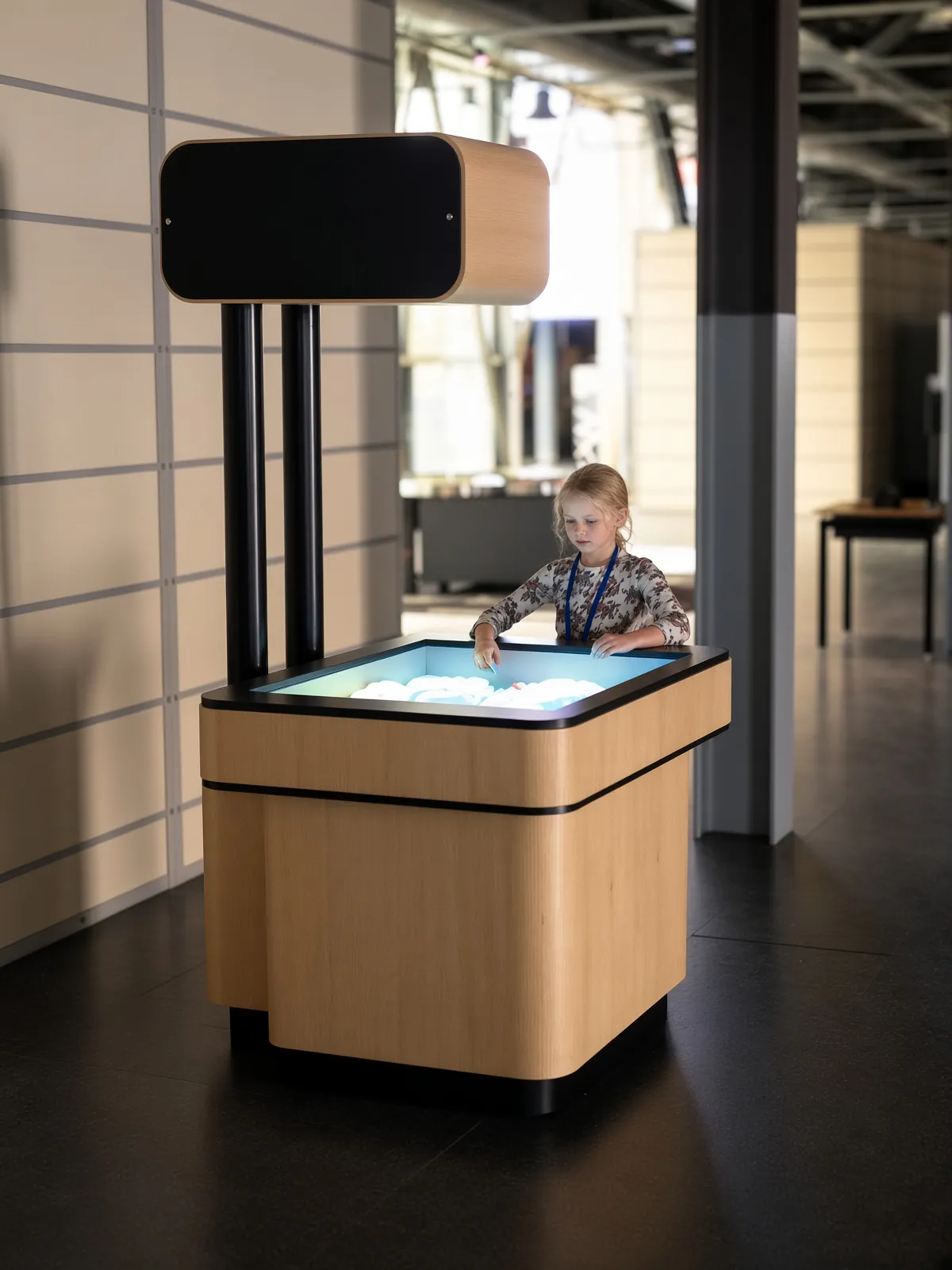
We design our digital exhibits around the actions visitors take and the way your team will operate the space. An interactive area is ready when a visitor can arrive, understand the invitation and complete the experience. A powered display alone does not establish that. Controllers need to work, materials need to be available and the selected scene needs to match the instructions. Build the operating plan around those visitor-facing conditions before the exhibit opens.
Check a complete interaction at opening
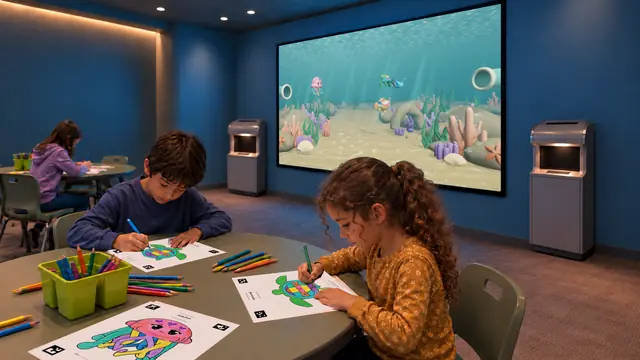
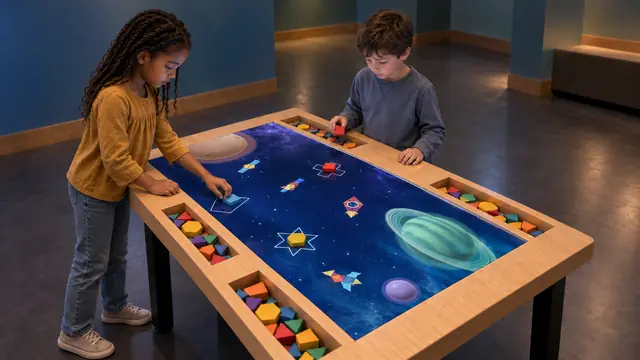
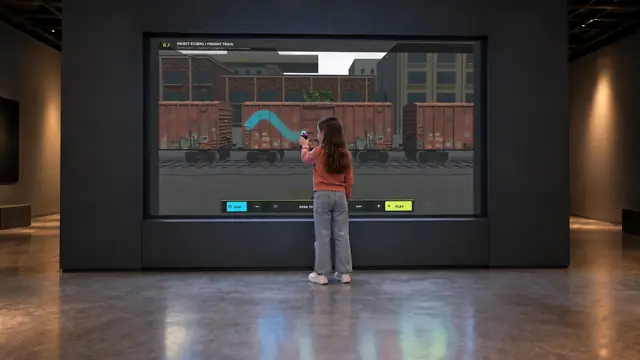
Create an opening check that follows the main visitor sequence. For Sketch Bloom, use an approved template and verify the scan-to-display process. For Build Bloom, confirm the piece set and try a representative arrangement. For Digital Graffiti, test the controller and the displayed response from the intended operating position.
Record a short description of normal behavior so different team members know what they are checking. Include sound where it is part of the interaction. If an exhibit has several licensed scenes, agree a rotation for checking them rather than assuming that the opening screen proves every mode is working.
Separate routine care from technical intervention
Staff need to know which tasks they can perform and which require support. Returning pieces to trays, replenishing paper and checking a controller’s charge may belong to the floor routine. Adjusting sensing equipment, opening cabinets or changing a calibrated arrangement may require a trained technician. Define these boundaries for the actual installation.
For touchscreens, obtain care instructions for the supplied model. Elo’s published guidance, for example, cautions against spraying its products directly and against allowing liquid inside the unit. That illustrates why a generic cleaning routine should not replace the relevant manufacturer’s instructions. It does not establish that every exhibit uses Elo hardware. Elo touchscreen care guidance.
Give consumables a home and an owner
List the items that leave, wear or need returning. Paper-based activities need approved template files, a replenishment method and a place to store coloring materials. Physical building tables need an agreed piece inventory and replacement arrangements. Digital spray controllers need defined storage and power routines. Assign responsibility at shift changes so a small missing item does not become an unexplained failure.
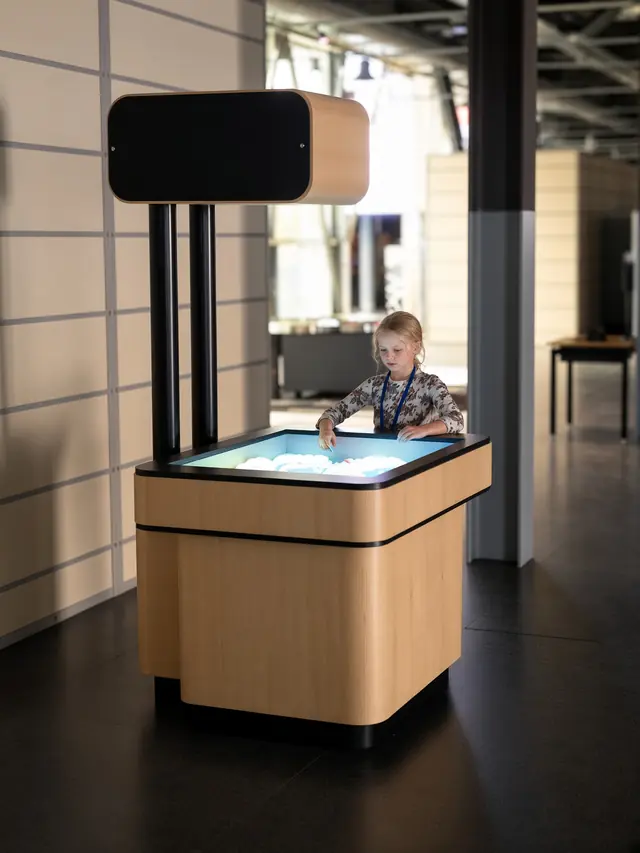
AR Sandbox adds its own material-care requirements. Use the specified sand and follow the supplied maintenance guidance. Include housekeeping around the basin and checks of the projection alignment in the operating plan, with calibration work assigned to the appropriate person. Do not improvise additions to the material or move overhead equipment without checking the system requirements.
Keep a record of content and configuration
Store the agreed software version, licensed scenes, languages and hardware schedule where the operating team can find them. Note who may change settings and how an approved configuration is restored. A replacement computer, display or controller can affect compatibility, so record the installed models rather than relying on a general product name.
For systems that may depend on online processing, such as AI Painter, confirm connectivity, service responsibilities and the behavior during an interruption. Establish any ongoing licensing or processing costs during procurement. These details should come from the supplied configuration; they should not be inferred from a demonstration video.
Make a fault report useful
A useful report identifies the exhibit, scene, time, action attempted and response observed. Record whether the issue repeats and what approved recovery step was tried. Follow the venue’s privacy procedures when attaching images or video, and avoid collecting visitor information that support does not need.
Agree escalation contacts, service access and a way to mark an unavailable activity clearly. Review recurring incidents with our team and look for practical changes to instructions, storage or maintenance routines. A good operating plan turns daily experience into usable information, helping the team keep the exhibit understandable and ready for the next visitor.