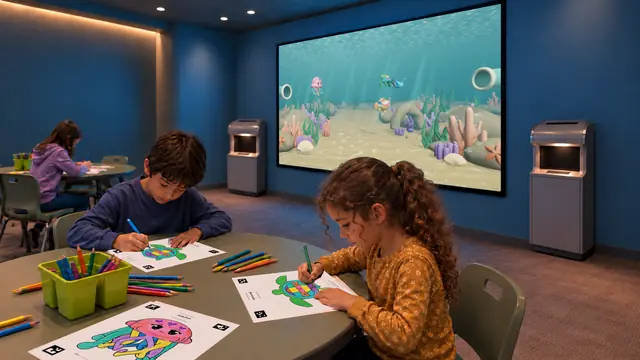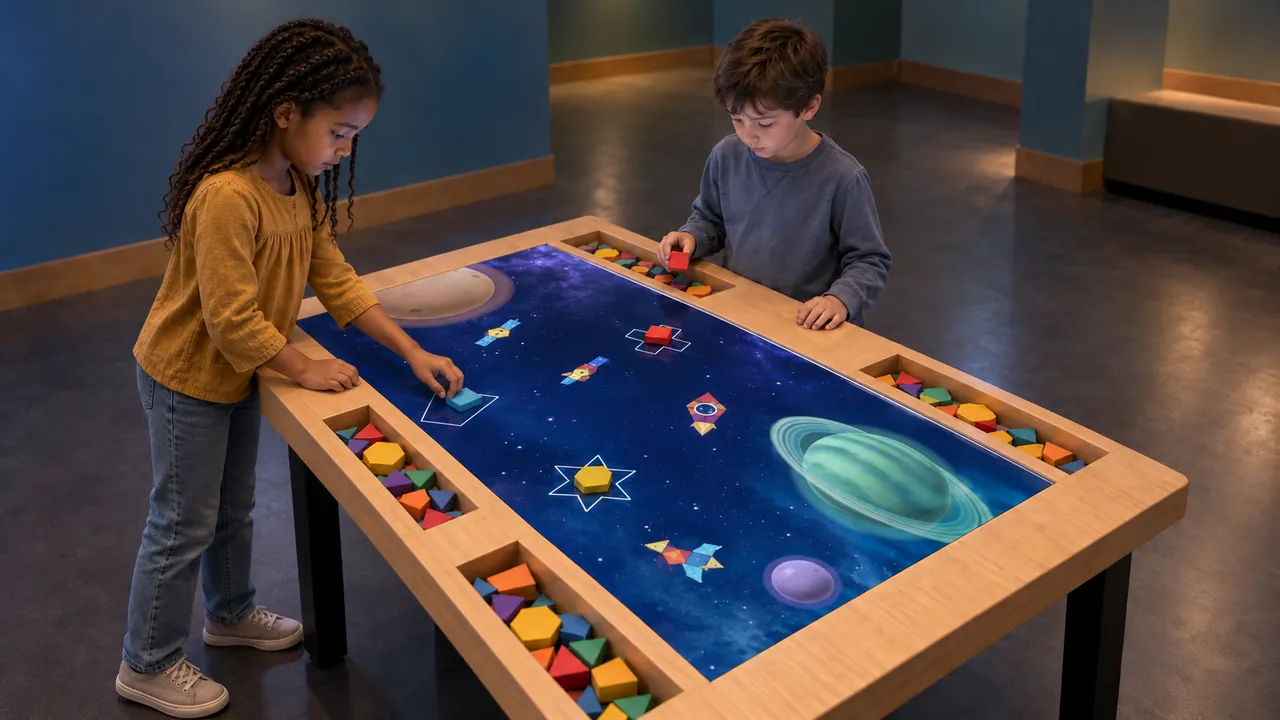
We design our digital exhibits around the actions visitors take and the way your team will operate the space. An exhibit brief becomes useful when it describes what someone will actually do. “An impressive digital wall” leaves many decisions open. “A child colors a creature, scans the paper and finds their own marks on a shared reef” gives the design team a sequence to plan. Begin with that sequence, then work outward to the display, room and operating requirements.
Write the first action and the next decision
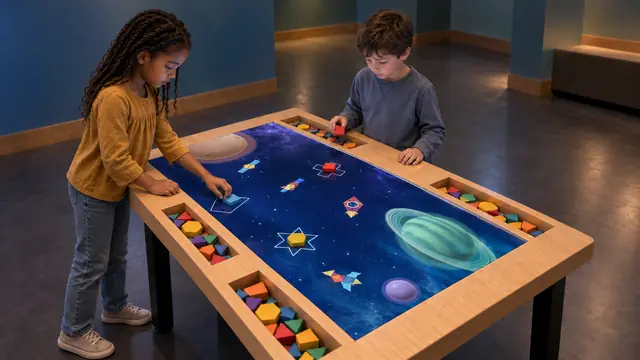
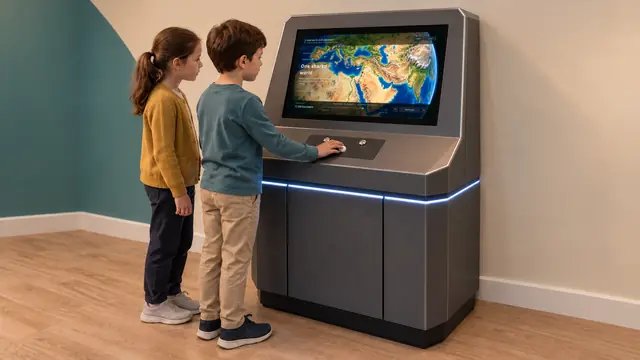
Describe the opening action in one sentence: throw a ball, place a shape, draw a line or turn a control. Then describe what the visitor sees and what they can change. Build Bloom begins with physical geometric pieces; How Big Is Universe uses a rolling control to navigate comparisons of scale. These are different invitations, even if both involve a screen.
A useful distinction in the Exploratorium’s exhibit-design research is between helping visitors get started and offering possibilities for sustained exploration. Use those as two separate questions in a demonstration: can a newcomer begin, and is there an interesting reason to try again? More buttons do not automatically answer either question. Read the Exploratorium research.
Plan for the whole visiting group
The person holding a controller is only one part of the scene. Mark where companions will stand, what they can see and how someone approaches when another visitor is already playing. A large display can make a process visible to several people, but it does not establish the number of simultaneous users. Confirm input capacity and suitable occupancy for the proposed hardware.
Include reach, viewing position, seating and alternative ways of understanding the instructions in the early review. The Smithsonian’s exhibition guidance treats circulation, furniture, audiovisuals and interactives as related access considerations. Use it as a design reference alongside the requirements applicable to your location. Smithsonian accessibility guidance.
Draw the activity area around the cabinet
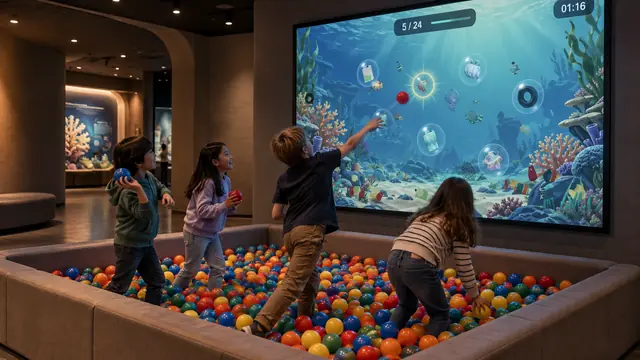
A cabinet footprint is not the complete activity footprint. Sketch Bloom needs drawing space, a route to the scanner and a place to find the finished character. Ball Wall needs a controlled throwing area and a separate circulation route. Put those movements on the room plan before choosing a final screen size.
Bring lighting and sound into the same conversation. Record daylight direction, reflections, nearby sound sources and the intended operating hours. A bright photograph alone cannot establish projection visibility. Ask for a display and lighting assessment based on the actual room, including the viewing conditions at different times of day.
Make the demonstration part of the specification
Ask which scenes, tools and languages in the demonstration belong to the proposed license. Separate standard content from requested changes. If an image shows a particular cabinet, scanner or screen shape, include the approved hardware drawing in the scope rather than assuming the picture defines the supplied equipment.
Prepare a simple acceptance sequence that follows a visitor’s journey. Start the system, perform the main action, check the response, change a choice and return to a state ready for the next visitor. Add the staff tasks: replenishing materials, checking controllers and accessing service components. This makes expectations discussable before delivery.
Brief the operating team before ordering
Share the room plan, intended audience, content goals, opening schedule and staffing arrangement with our team. Our project proposal separates software, equipment, cabinetry, installation, calibration, training and any ongoing services, so you can see exactly what is included. Assign responsibility for consumables and replacement parts as well as technical support.
The resulting brief should let everyone picture the same experience: how it starts, what makes it worth exploring, where people move and how staff keep it ready. That is a stronger basis for comparing proposals than display size or a list of visual effects alone.